Impostazioni colore Locator e Pages
Scopri e comprendi cosa può essere configurato tramite gli attributi del widget Locator & Pages.
Ambito di applicazione
Questo articolo illustra gli attributi rilevanti per la personalizzazione dei colori nel prodotto Locator & Pages. Le soluzioni presentate di seguito fanno parte degli attributi widget disponibili che possono essere impostati e modificati per influenzare l'aspetto e il comportamento del Locator. Per ulteriori informazioni sugli attributi e per un elenco completo, consulta questo articolo.
Introduzione
Il widget Locator & Pages consente una manipolazione di base dei colori attraverso i suoi attributi. Se gli attributi presentati di seguito non soddisfano il tuo caso d'uso, consulta questo articolo su CSS personalizzato per il widget Locator & Pages.
Pulsanti
Colore sfondo
To set a global colour for buttons in the Locator & Pages widget, you need to use the data-buttonbgcolor attribute. This will affect the CTAs on the local pages as well as the Search button on the locator page.

Colore testo
To set a global colour for the buttons' text in the Locator & Pages widget, you need to use the data-buttontextcolor attribute. This will affect the CTAs on the local pages as well as the Search button on the locator page.

Testo
Colore testo primario
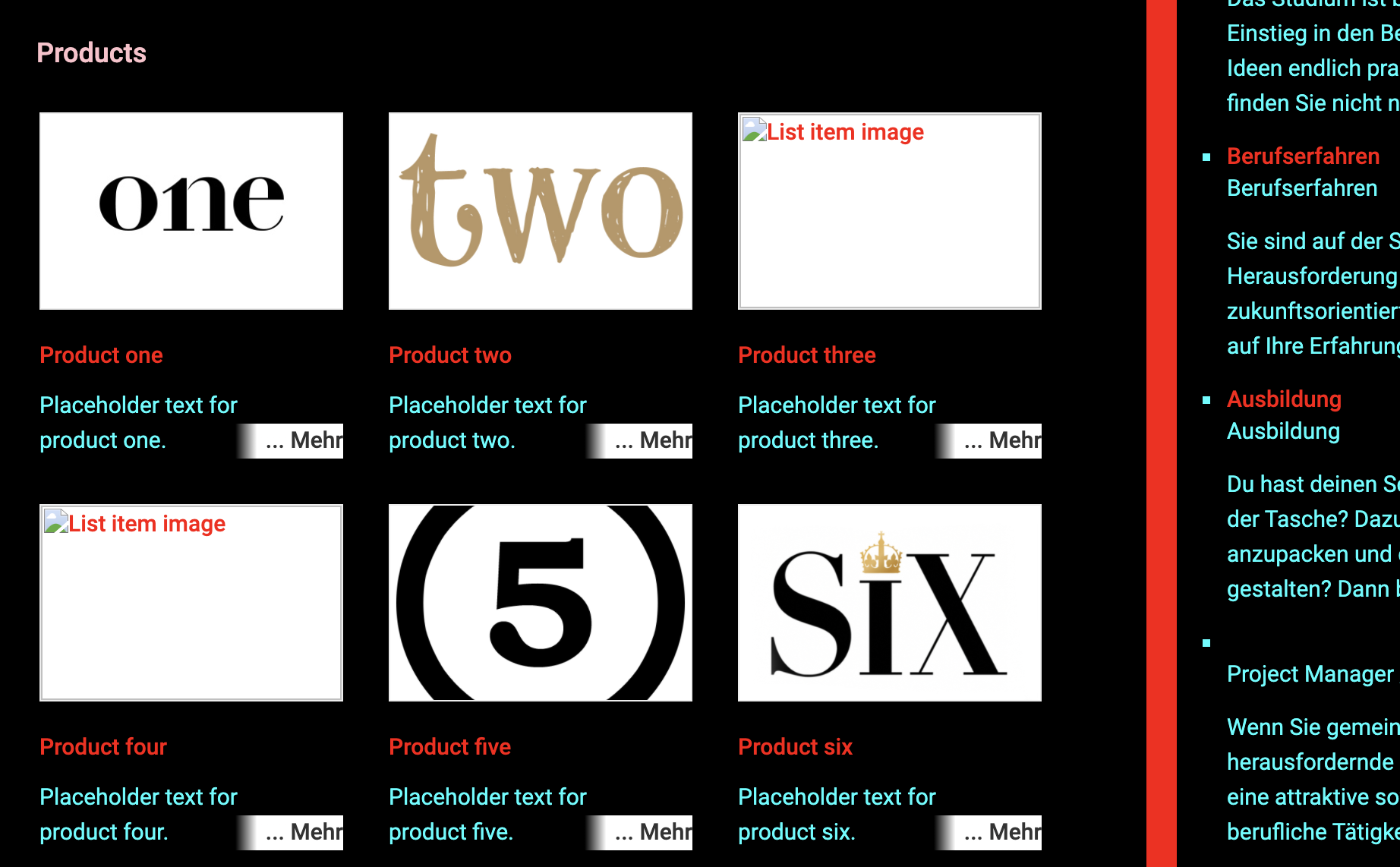
To set a global colour for the main/primary text in the Locator & Pages widget, you need to use the data-primarytextcolor attribute. This will affect text that is not a hyperlink or a title.
This example shows the primary text colour as cyan
| data-primarytextcolor="RGB(0,255,255)" | 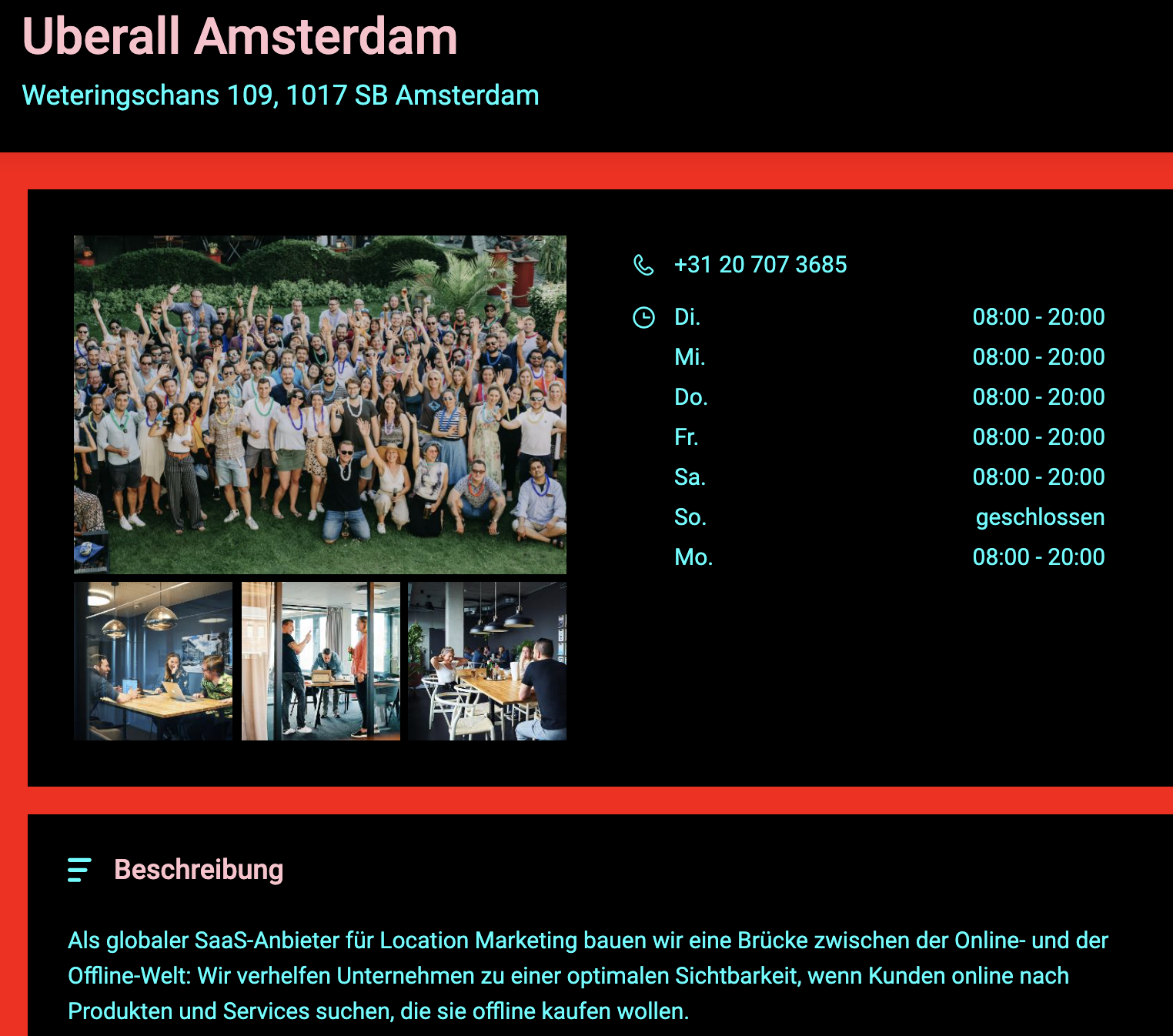 |
| data-primarytextcolor="RGB(0,255,255)" | 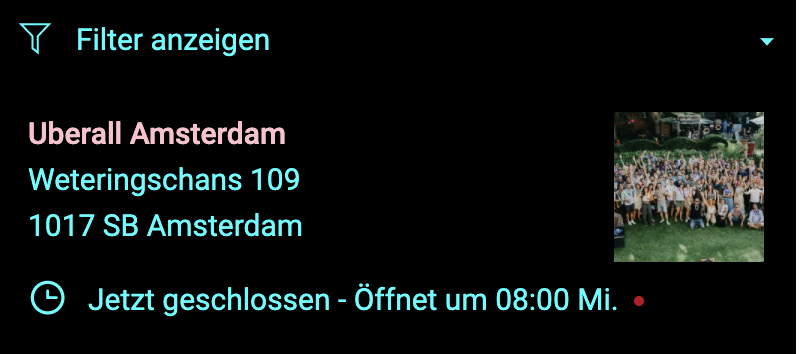 |
Colore testo secondario
To set a global colour for the secondary text in the Locator & Pages widget, you need to use the data-secondarytextcolor attribute. This will only affect titles.
This example shows the secondary text colour as pink
| data-secondarytextcolor="#FFC0CB" | 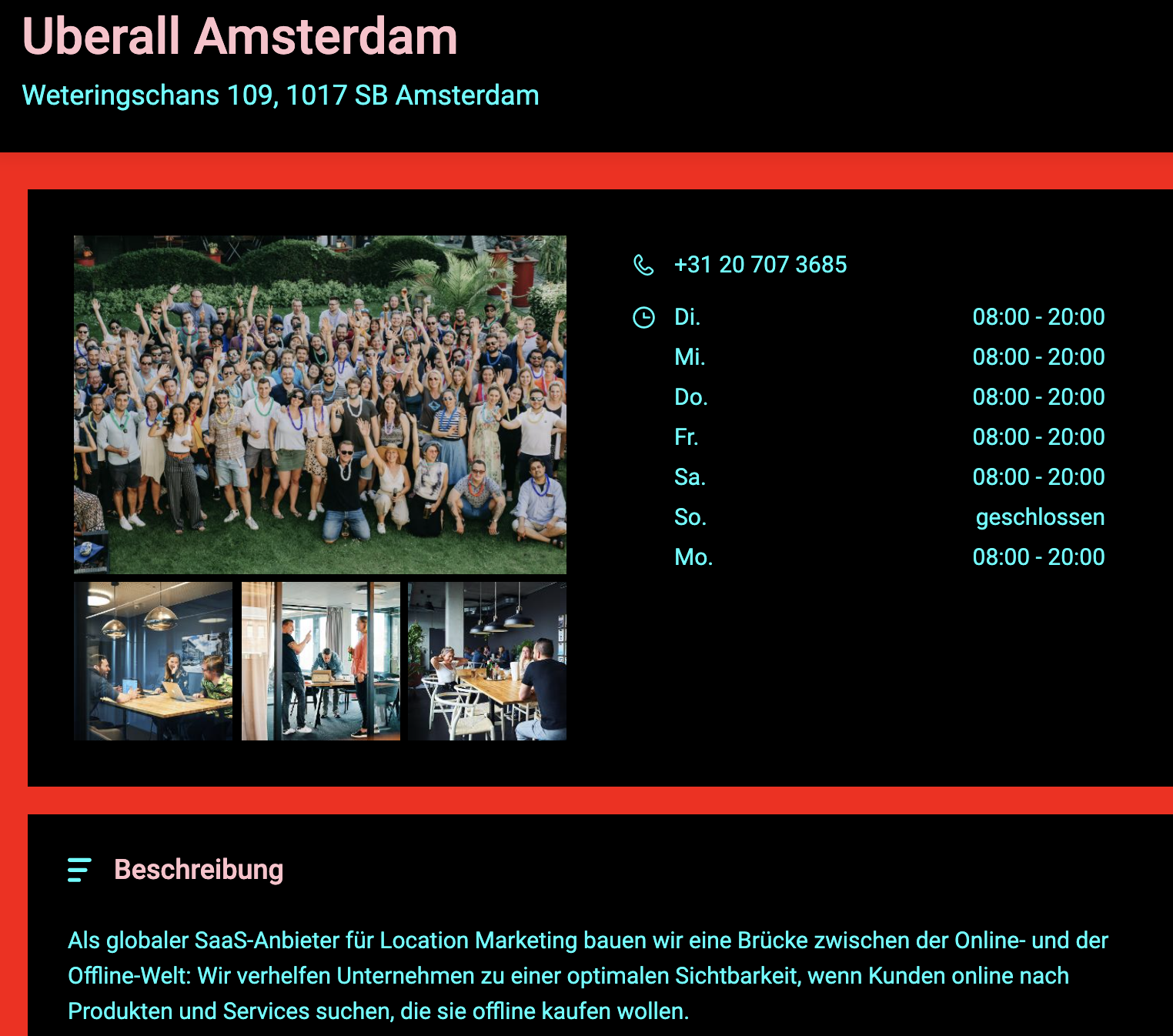 |
| data-secondarytextcolor="#FFC0CB" | 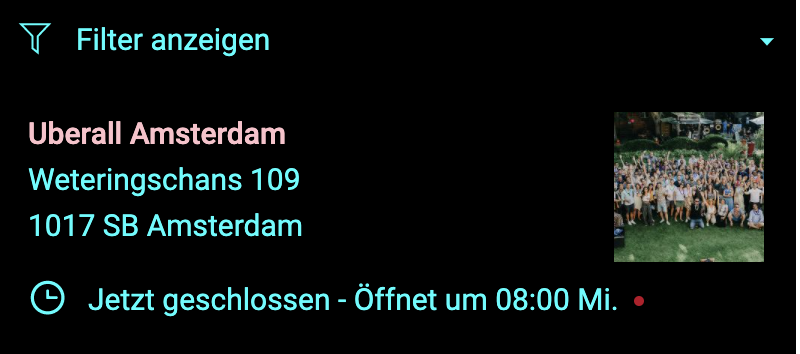 |
Colore collegamento ipertestuale
To set a global colour for the hyperlink text in the Locator & Pages widget, you need to use the data-linkcolor attribute. This will only affect text which is defined as a hyperlink, which is clickable and redirects the end-user to another page.
Generale
Colore sfondo primario
To set a colour for the main/primary background in the Locator & Pages widget, you need to use the data-bgprimarycolor attribute. This will only affect the background colour of the main sections of the Locator.
This example shows the main/primary background colour as blue.
Delete| data-bgprimarycolor="#0099FF" | 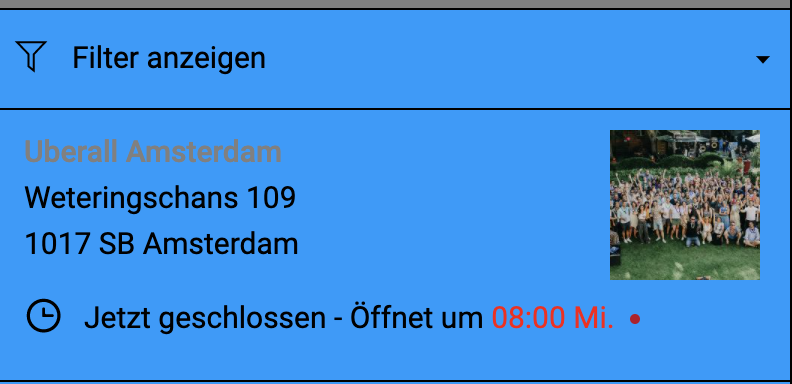 |
| data-bgprimarycolor="#0099FF" | 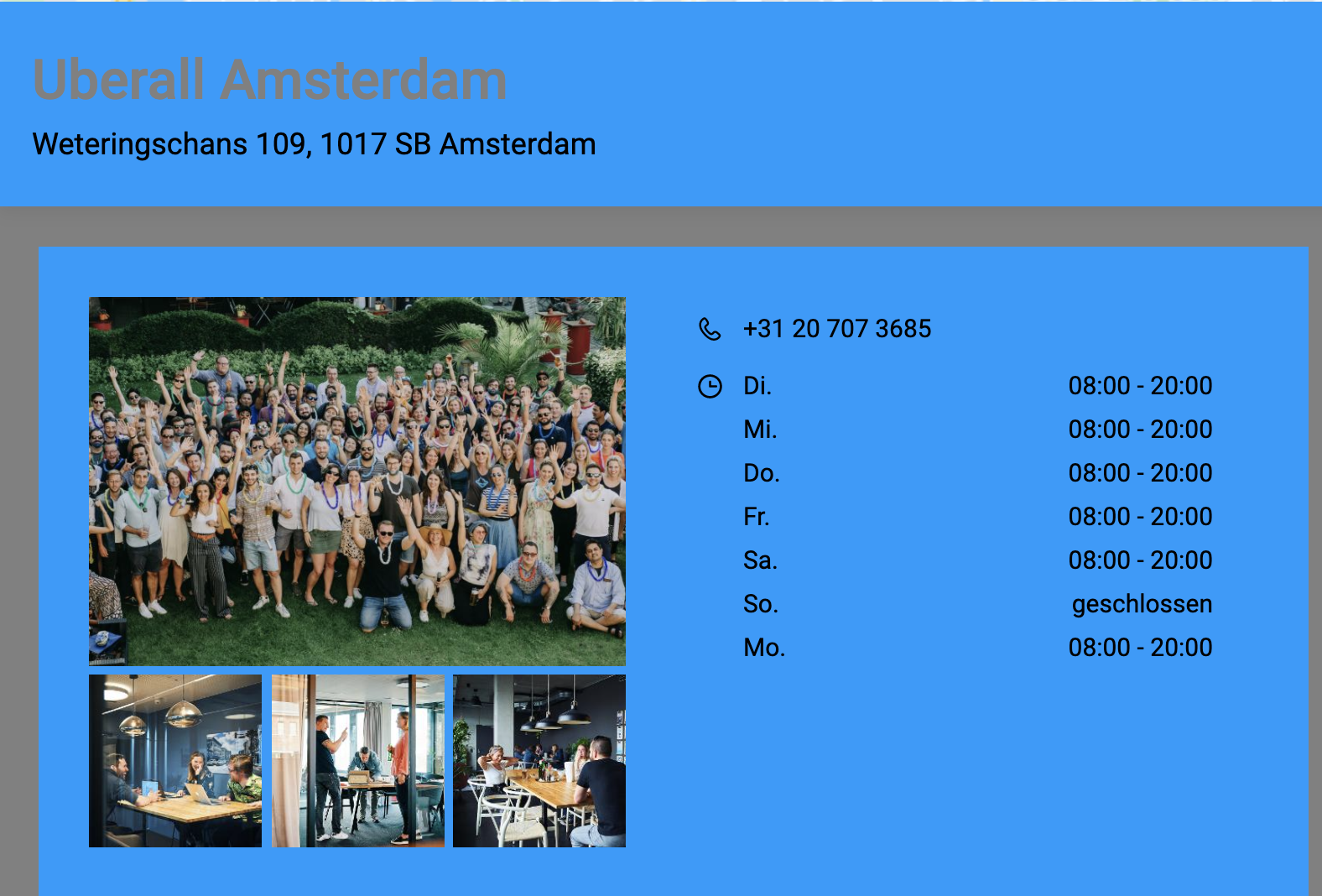 |
Colore sfondo secondario
To set a colour for the secondary background in the Locator & Pages widget, you need to use the data-bgsecondarycolor attribute. This will only affect the background colour sections behind the Locator components and the search section.
This example shows the secondary background colour as grey
| data-bgsecondarycolor="RGB(120,120,120)" | 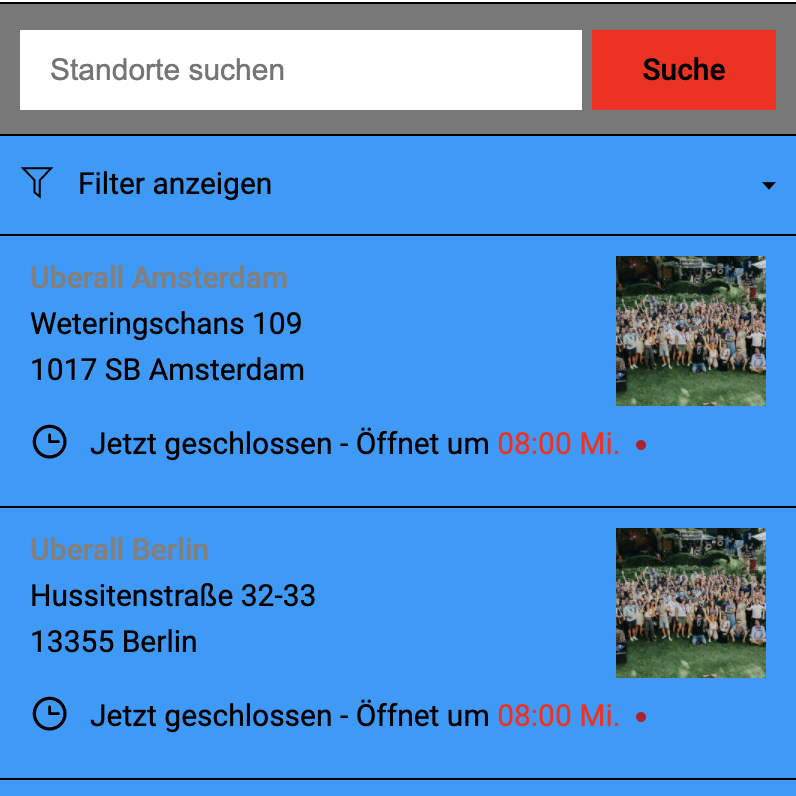 |
| data-bgsecondarycolor="RGB(120,120,120)" | 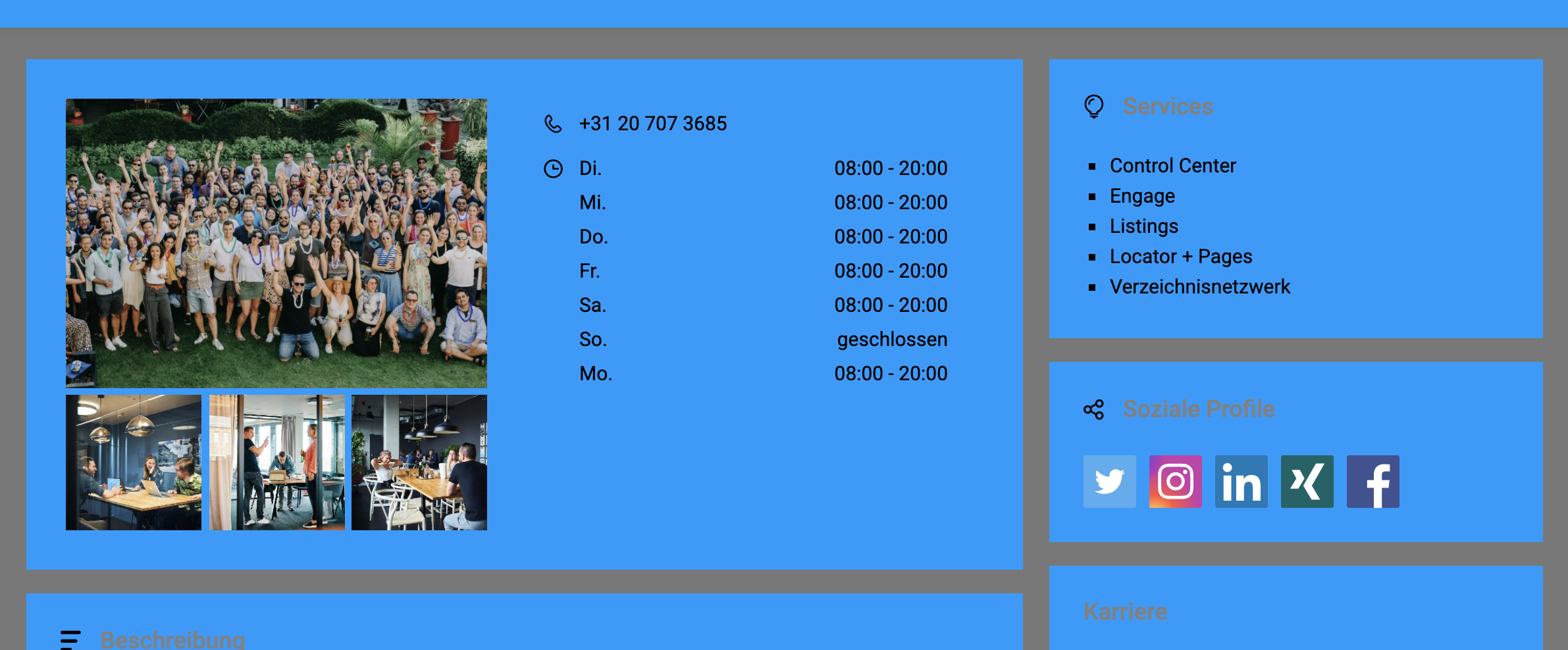 |
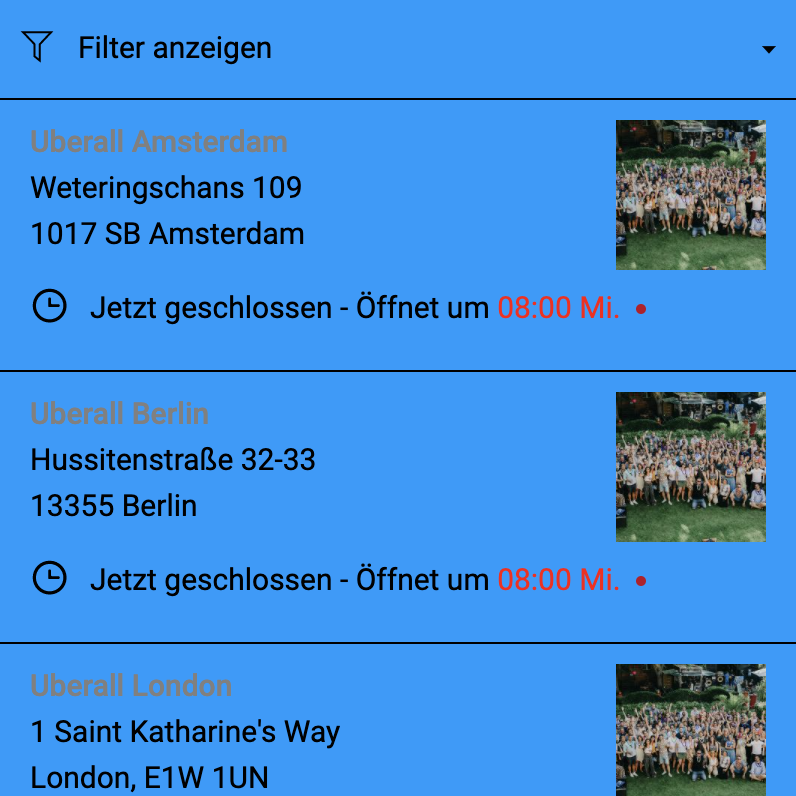
Colore bordo
To set a colour for the borders in the Locator & Pages widget, you need to use the data-bordercolor attribute. This will only affect the borders in the locations list.
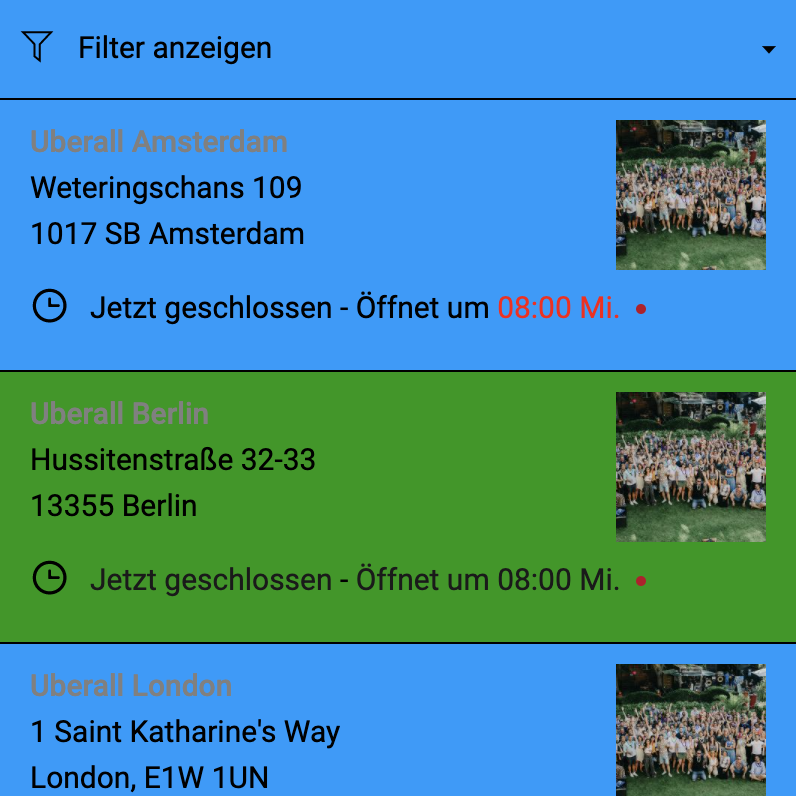
Colore elemento elenco al passaggio del mouse
To set a background colour for the hover state of the list items in the Locator & Pages widget, you need to use the data-listitemhovercolor attribute. This only affects the hover event for the locations list.
Contenuti correlati
Modifica i pin del Locator & Pages
Elenco degli attributi disponibili per il widget Locator & Pages