Configuración de colores de Locator y Pages
Aprende y entiende qué se puede configurar a través de los atributos del widget Locator & Pages.
Alcance
Este artículo describe los atributos relevantes para la personalización de colores en el producto Locator & Pages. Las soluciones presentadas a continuación forman parte de los atributos de widget disponibles que se pueden establecer y modificar para influir en la apariencia del Locator. Para obtener más información sobre los atributos y una lista completa, consulta este artículo.
Introducción
El widget Locator & Pages permite la manipulación básica de colores a través de sus atributos. Si los atributos presentados a continuación no se ajustan a tu caso de uso, consulta este artículo sobre CSS personalizado para el widget Locator & Pages.
Botones
Color de fondo
To set a global colour for buttons in the Locator & Pages widget, you need to use the data-buttonbgcolor attribute. This will affect the CTAs on the local pages as well as the Search button on the locator page.

Color del texto
To set a global colour for the buttons' text in the Locator & Pages widget, you need to use the data-buttontextcolor attribute. This will affect the CTAs on the local pages as well as the Search button on the locator page.

Texto
Color del texto principal
To set a global colour for the main/primary text in the Locator & Pages widget, you need to use the data-primarytextcolor attribute. This will affect text that is not a hyperlink or a title.
This example shows the primary text colour as cyan
| data-primarytextcolor="RGB(0,255,255)" | 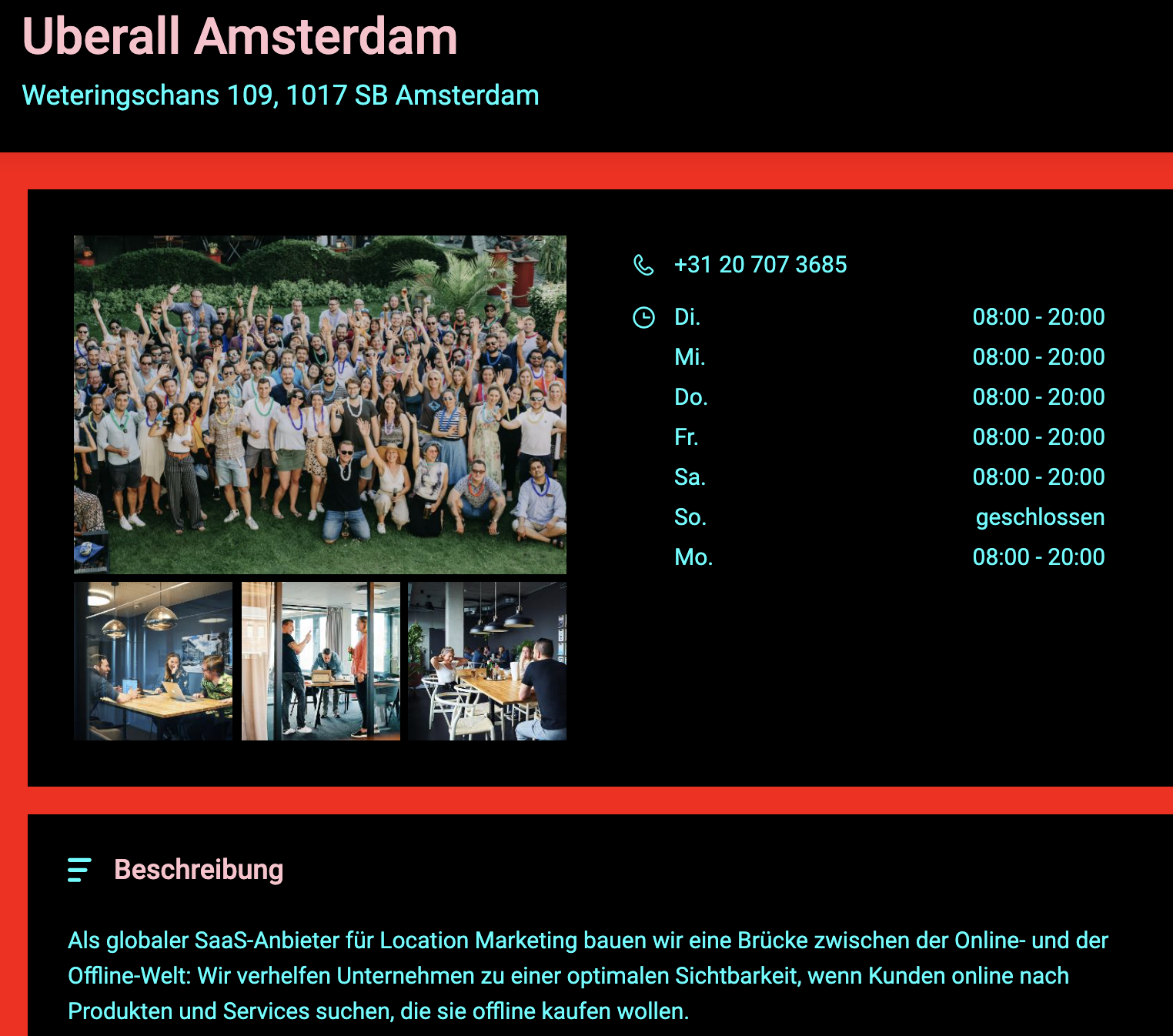 |
| data-primarytextcolor="RGB(0,255,255)" | 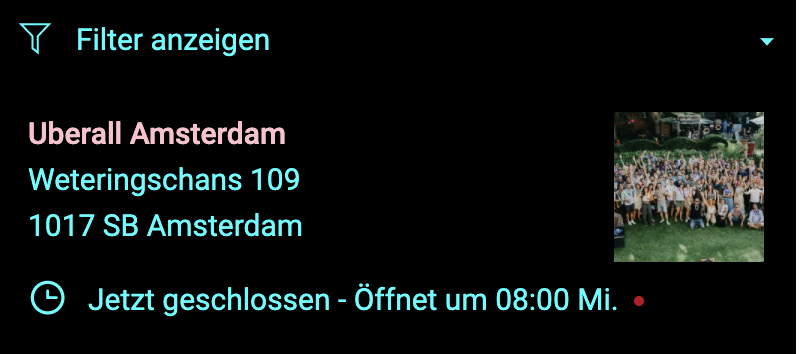 |
Color del texto secundario
To set a global colour for the secondary text in the Locator & Pages widget, you need to use the data-secondarytextcolor attribute. This will only affect titles.
This example shows the secondary text colour as pink
| data-secondarytextcolor="#FFC0CB" | 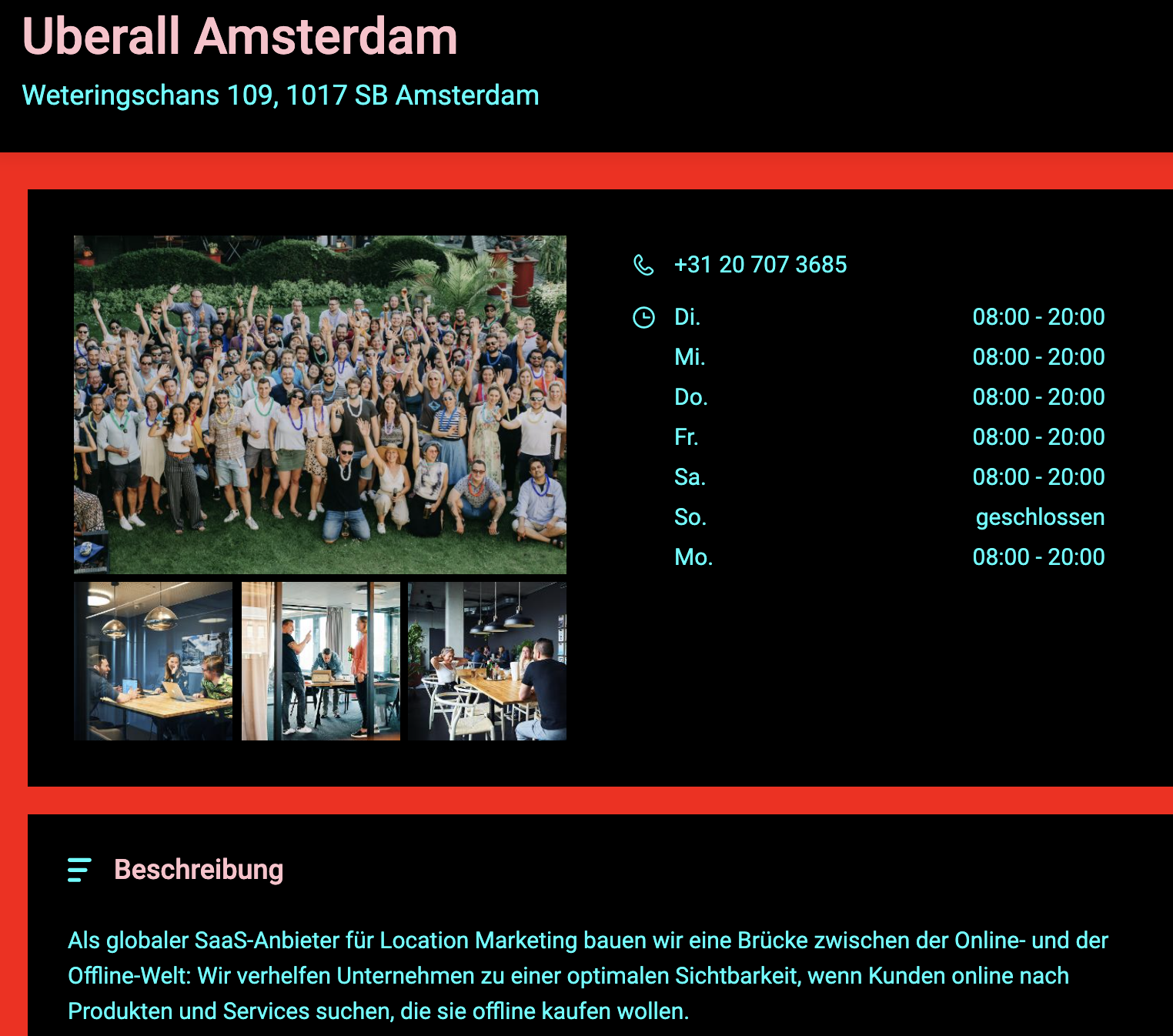 |
| data-secondarytextcolor="#FFC0CB" | 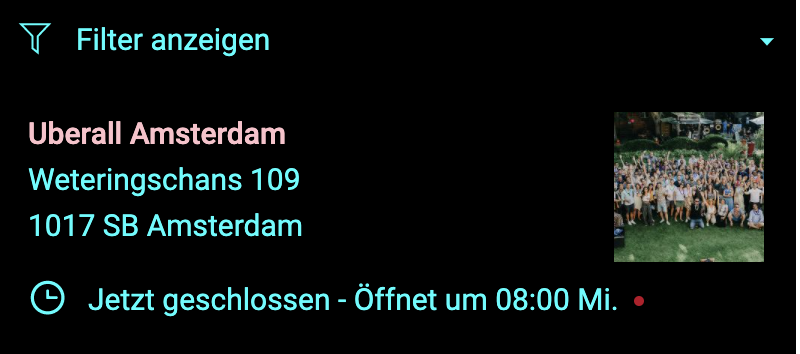 |
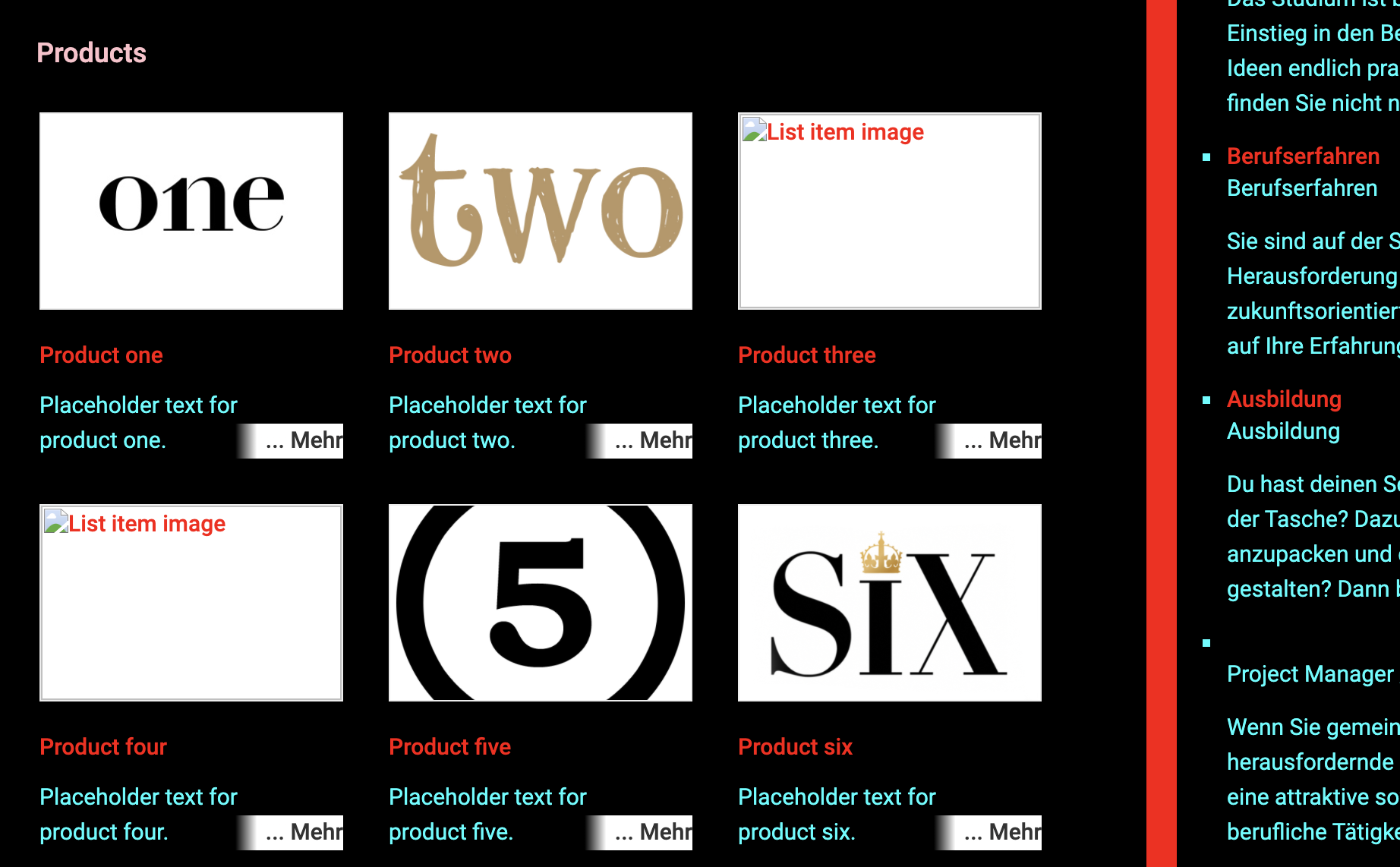
Color del hipervínculo
To set a global colour for the hyperlink text in the Locator & Pages widget, you need to use the data-linkcolor attribute. This will only affect text which is defined as a hyperlink, which is clickable and redirects the end-user to another page.
General
Color de fondo principal
To set a colour for the main/primary background in the Locator & Pages widget, you need to use the data-bgprimarycolor attribute. This will only affect the background colour of the main sections of the Locator.
This example shows the main/primary background colour as blue.
Delete| data-bgprimarycolor="#0099FF" | 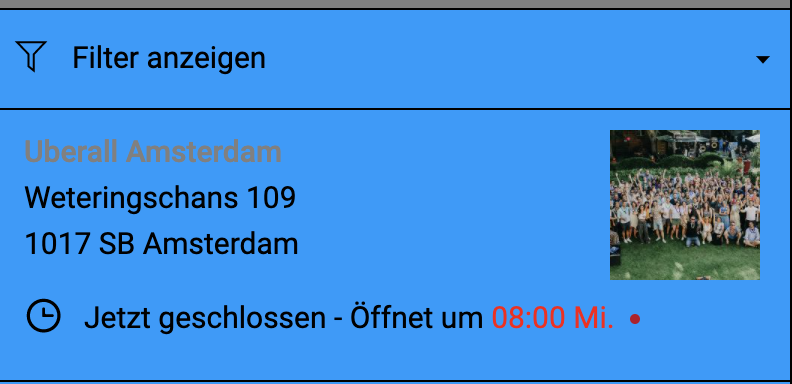 |
| data-bgprimarycolor="#0099FF" | 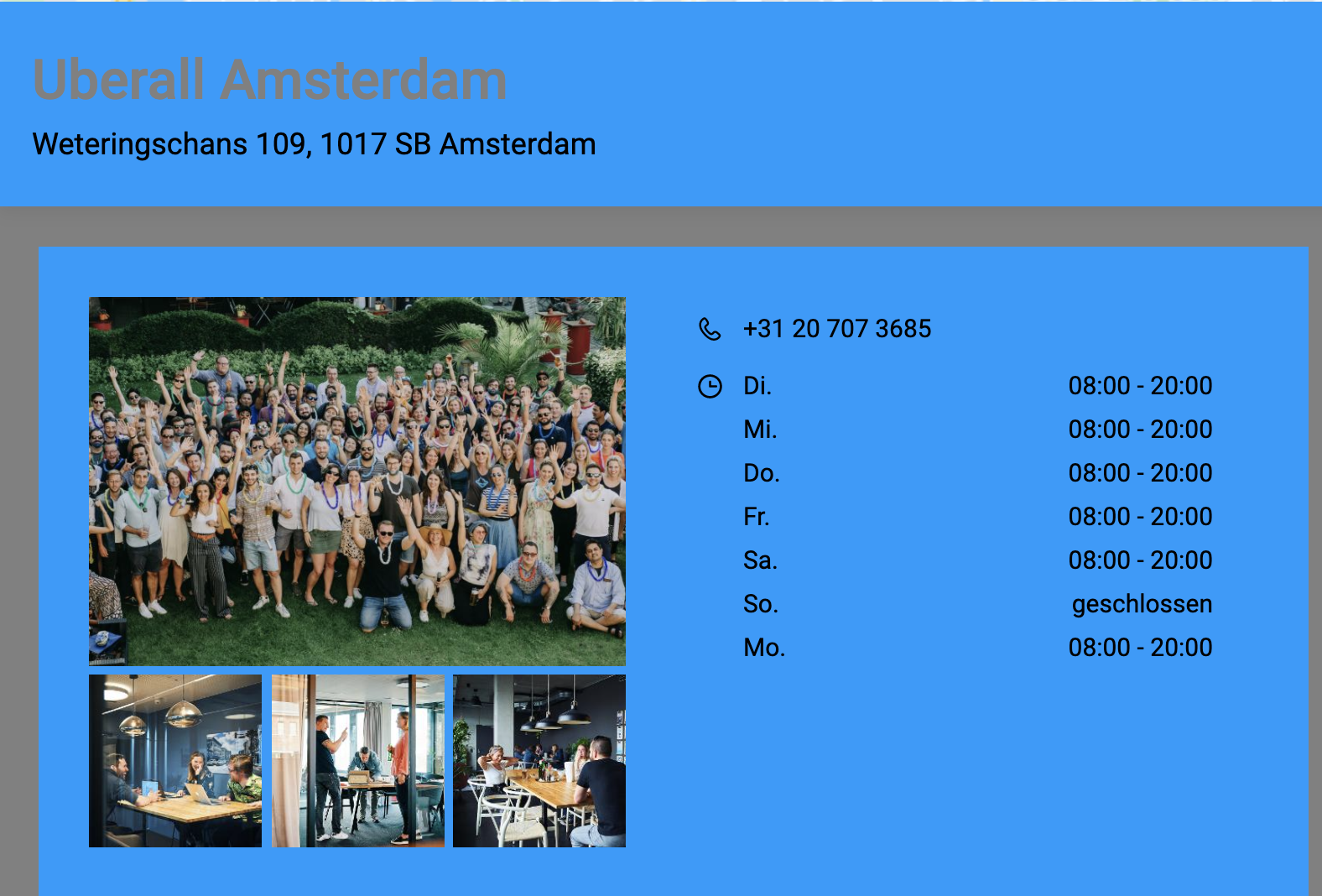 |
Color de fondo secundario
To set a colour for the secondary background in the Locator & Pages widget, you need to use the data-bgsecondarycolor attribute. This will only affect the background colour sections behind the Locator components and the search section.
This example shows the secondary background colour as grey
| data-bgsecondarycolor="RGB(120,120,120)" | 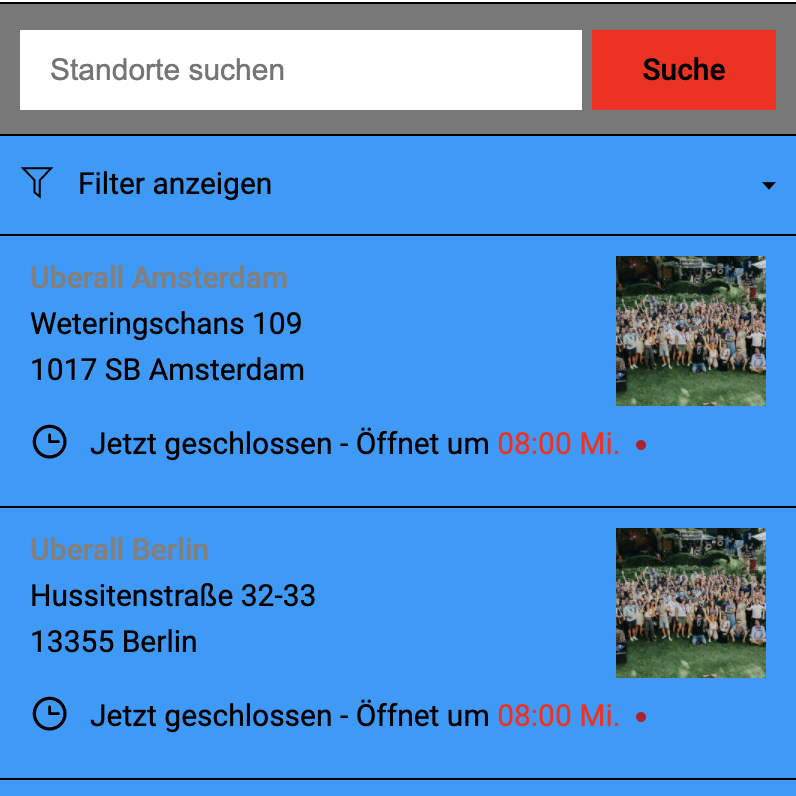 |
| data-bgsecondarycolor="RGB(120,120,120)" | 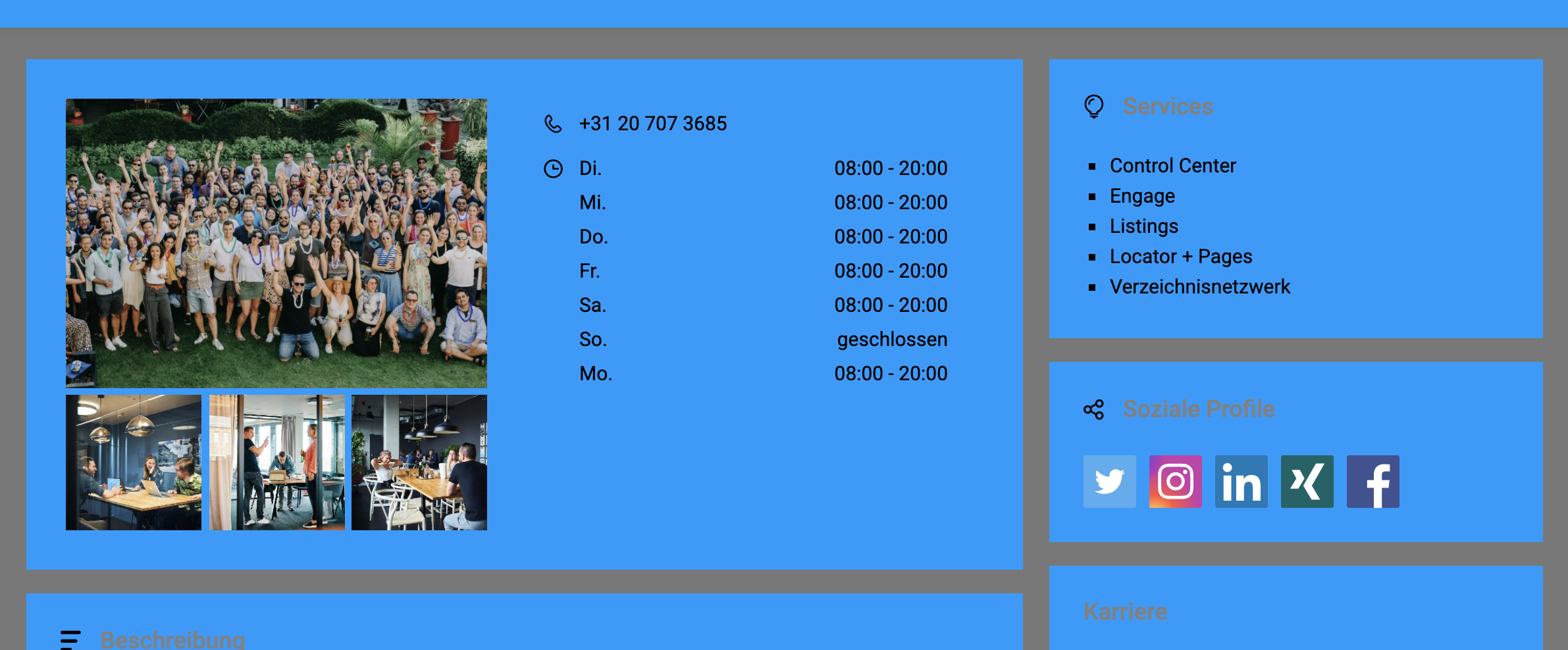 |
Color del borde
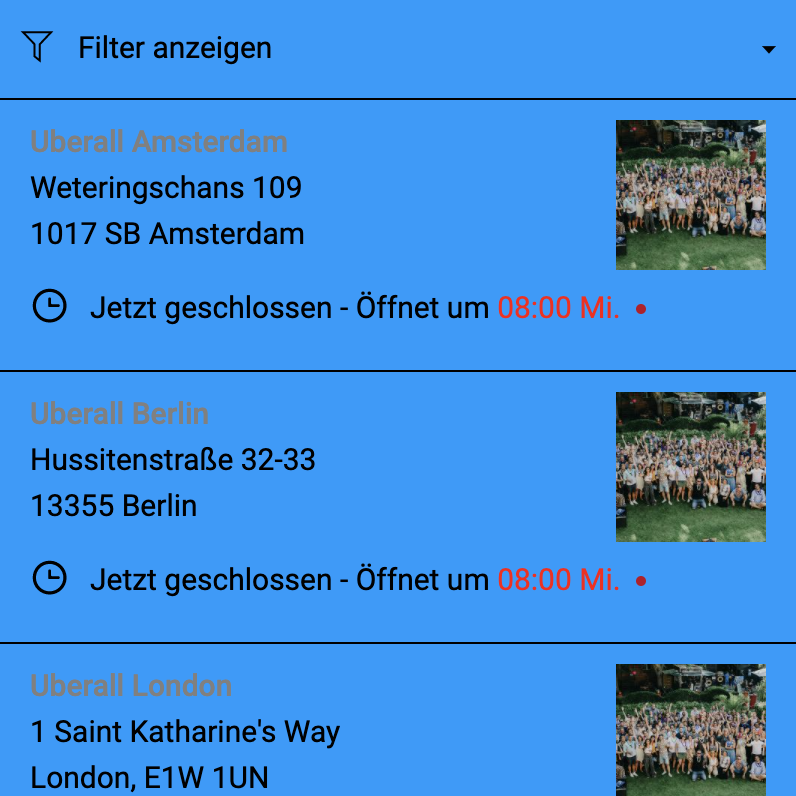
To set a colour for the borders in the Locator & Pages widget, you need to use the data-bordercolor attribute. This will only affect the borders in the locations list.
Color del elemento de lista al pasar el cursor
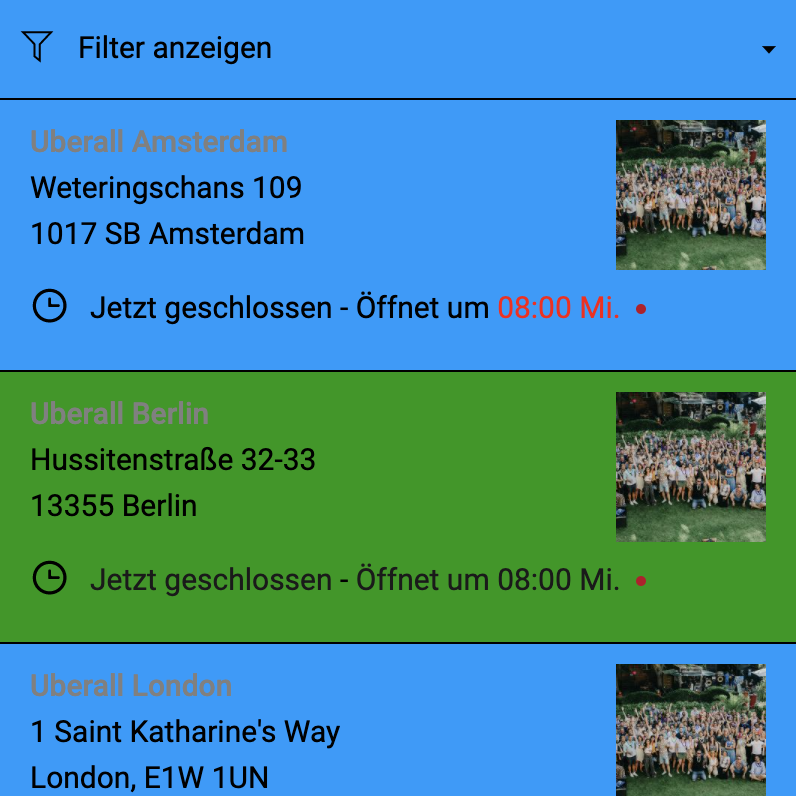
To set a background colour for the hover state of the list items in the Locator & Pages widget, you need to use the data-listitemhovercolor attribute. This only affects the hover event for the locations list.
Contenido relacionado
Modificar los pines del Locator & Pages
Lista de atributos disponibles para el widget Locator & Pages