Contact Us

If you still have questions or prefer to get help directly from an agent, please submit a request.
We’ll get back to you as soon as possible.

Please fill out the contact form below and we will reply as soon as possible.

    Sign In
    • Home
    • Using Uberall / Uberallの使用
    • Locator + Pages / ロケーター+ページ

    ロケーター&ページに外部 HTML ウィジェットを追加する方法

    ロケーター&ページにサードパーティのウィジェットを組み込む方法を説明します

    Contact Us

    If you still have questions or prefer to get help directly from an agent, please submit a request.
    We’ll get back to you as soon as possible.

    Please fill out the contact form below and we will reply as soon as possible.

    Japanese
    FR French
    IT Italian
    JP Japanese
    DE German
    US English (US)
    ES Spanish
    • Getting Started / はじめに
      Configuration and Connection Guides / 設定と接続ガイド New here / 初めての方
    • Uberall Academy and Learning Resources / Uberall アカデミーと学習リソース
      Learning Resources - Best Practices / 学習リソース - ベストプラクティス Uberall Academy / Uberall アカデミー
    • Using Uberall / Uberallの使用
      Mobile App / モバイルアプリ Review Management / レビュー管理 Social / ソーシャル Platform Status and General FAQs / プラットフォーム状況とよくある質問 Locator + Pages / ロケーター+ページ Messages / メッセージ What's New / 新着情報 AI / AI Homepage / ホームページ The Dashboard / ダッシュボード Location Hub / ロケーションハブ Analytics / アナリティクス Directories / ディレクトリ
    • Org Settings / 組織設定
      Users / ユーザー API Keys / APIキー Webhooks / ウェブフック Billing / 請求
    • Connecting Tools / 接続ツール
      API
    + More

    Table of Contents

    カスタムフィールドの作成を依頼する この例は、次の名前のカスタムフィールドのインポートファイルでの値を示しています:custom-primary 実装 この例は、ローカルページ(プライマリ列)に組み込まれた OpenTable の予約ウィジェットを示しています この例は、ローカルページ(セカンダリ列)に組み込まれた OpenTable の予約ウィジェットを示しています

    ロケーター&ページのローカルページには、サードパーティの HTML ウィジェットを組み込むことができます。ローカルページには、列ごとに 1 つずつ、合計 2 つまでサードパーティの HTML ウィジェットを追加できます。

    カスタムフィールドの作成を依頼する

    まず、サードパーティの HTML ウィジェットごとに 1 つずつ、計 2 つのカスタムフィールドの作成を Uberall に依頼する必要があります。担当のアカウントマネージャーに連絡するか、operations@uberall.com にメールでご依頼ください。その際、これらの 1 つまたは 2 つのフィールドを、ロケーターへのサードパーティ HTML ウィジェットの組み込みに使用することを明記してください。

    新しいカスタムフィールドが利用可能になると、各ロケーションの値を個別に編集できます。フィールドは、フロントエンドのプラットフォーム上、または LOCATIONS タブのインポートファイルで編集できます。
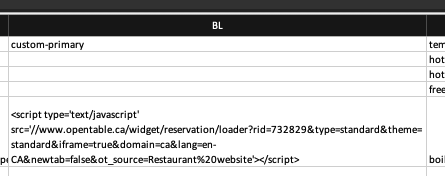
    この例は、次の名前のカスタムフィールドのインポートファイルでの値を示しています:custom-primary

    Delete


    実装

    ウィジェットの HTML データをカスタムフィールドに正しく追加したら、data-primarycolumn-snippetcustomfieldkey または data-secondarycolumn-snippetcustomfieldkey 属性を使用して、ウィジェットをそれぞれプライマリ列またはセカンダリ列に表示します。

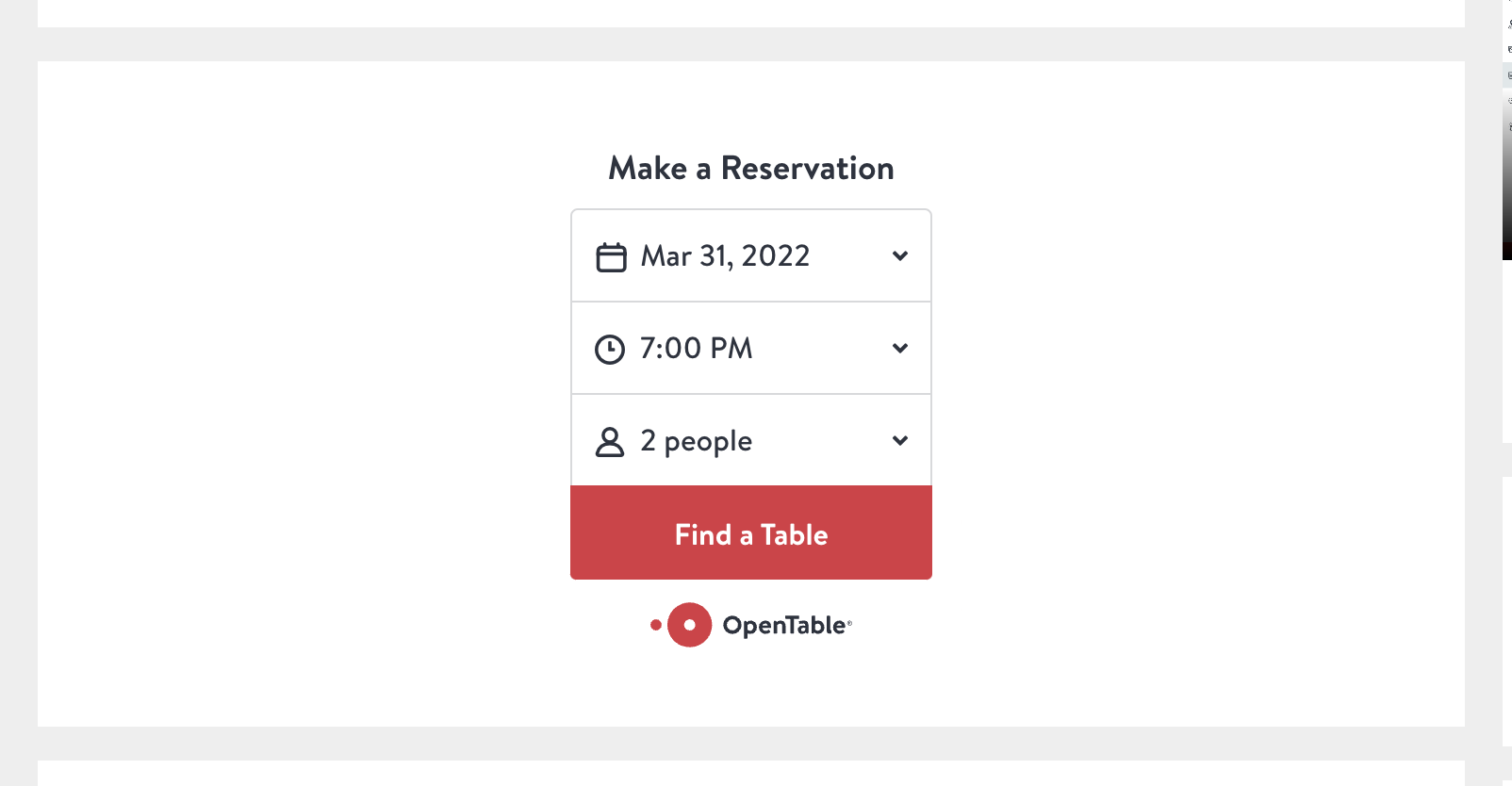
    この例は、ローカルページ(プライマリ列)に組み込まれた OpenTable の予約ウィジェットを示しています

    data-primarycolumn-snippetcustomfieldkey="custom-widget-field"
    Delete

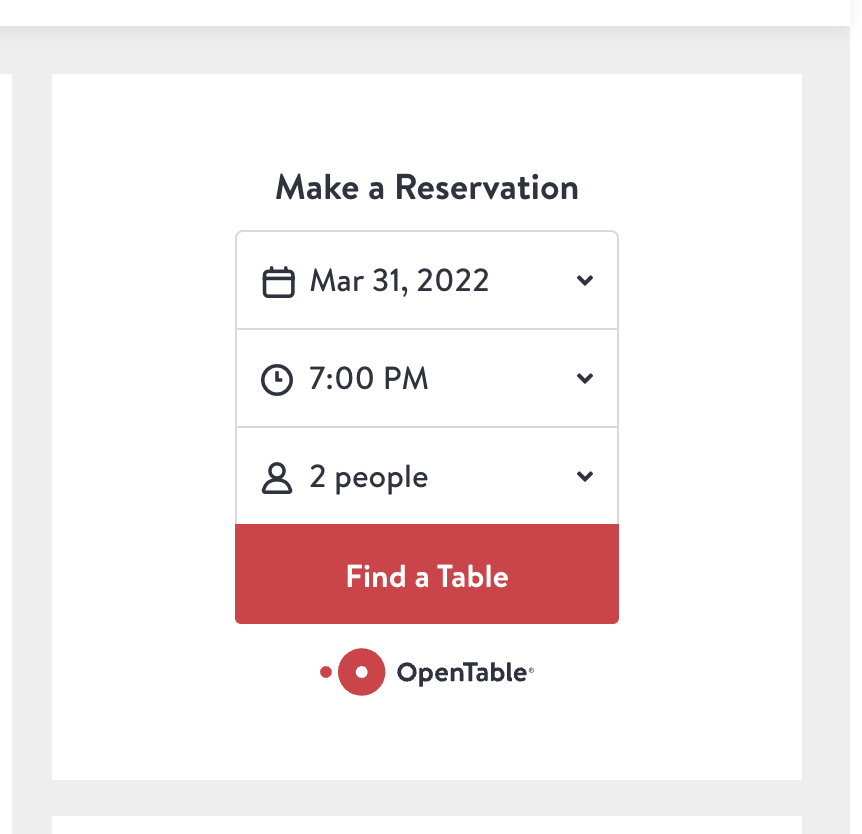
    この例は、ローカルページ(セカンダリ列)に組み込まれた OpenTable の予約ウィジェットを示しています

    data-secondarycolumn-snippetcustomfieldkey="custom-widget-field"
    Delete
    ウィジェット 外部html

    Was this article helpful?

    Yes
    No
    Give feedback about this article

    Related Articles

    • 場所の名前はどのように構成すればよいですか?
    • セルフサービス ロケーター&ページに関するよくある質問
    • 埋め込み型ロケーター+ページ(セルフサービス)とは?
    • CSS によるロケーター+ページのカスタマイズ
    • ロケーター&ページのフィルター
     

    Copyright 2026 – uberall.

    Expand