ロケーター&ページの色の設定
ロケーター&ページウィジェットの属性で設定できる内容を確認しましょう。
Table of Contents
対象範囲
この記事では、ロケーター&ページ製品の色のカスタマイズに関連する属性について説明します。以下で紹介する方法は、ロケーターのデザインや印象を調整するために設定・変更できるウィジェット属性の一部です。属性の詳細と全一覧については、こちらの記事をご参照ください。
はじめに
ロケーター&ページウィジェットでは、属性を使用して基本的な色を調整できます。以下の属性で目的を満たせない場合は、ロケーター&ページウィジェットのカスタム CSS に関するこちらの記事をご参照ください。
ボタン
背景色
To set a global colour for buttons in the Locator & Pages widget, you need to use the data-buttonbgcolor attribute. This will affect the CTAs on the local pages as well as the Search button on the locator page.

テキストの色
To set a global colour for the buttons' text in the Locator & Pages widget, you need to use the data-buttontextcolor attribute. This will affect the CTAs on the local pages as well as the Search button on the locator page.

テキスト
プライマリテキストの色
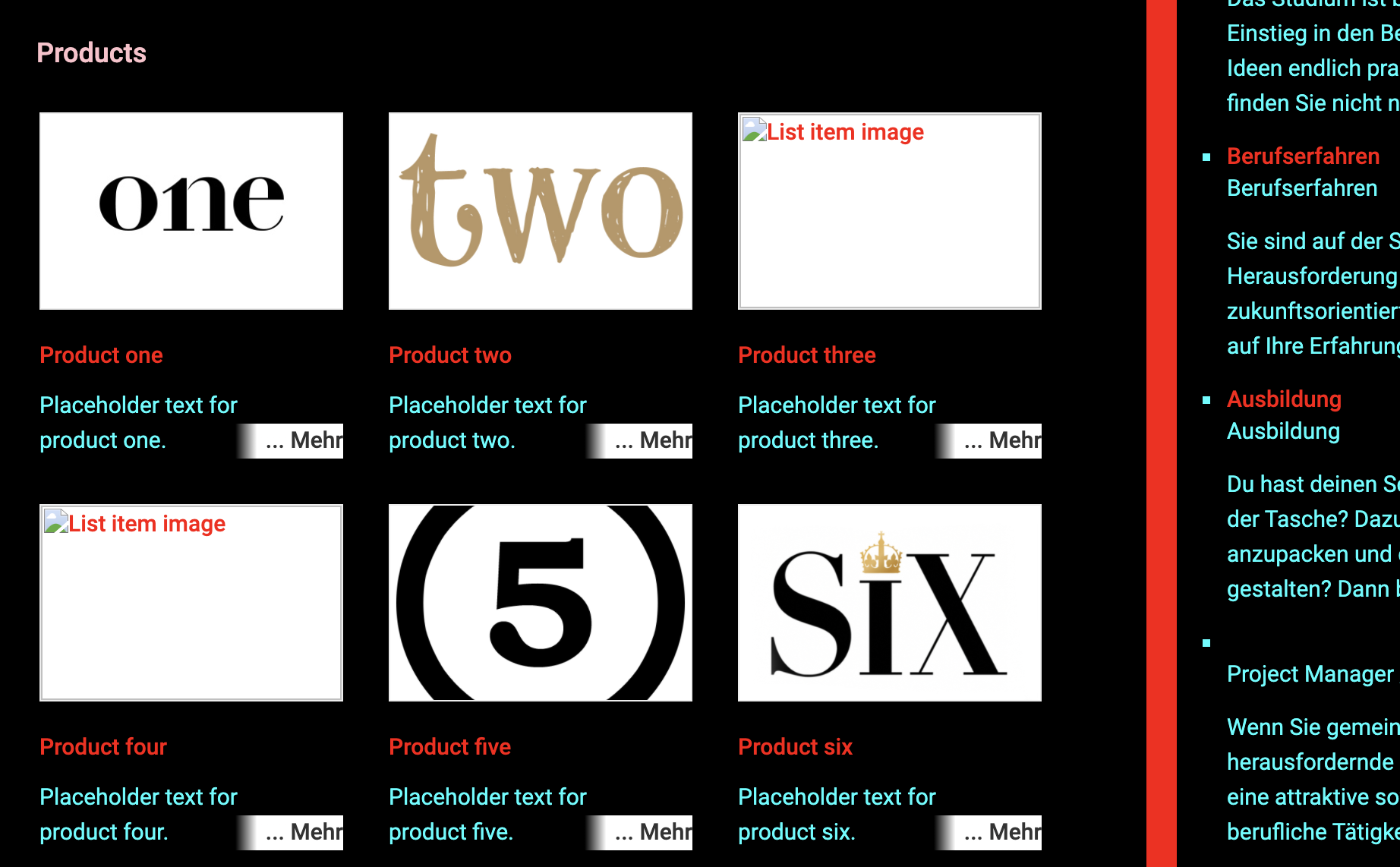
To set a global colour for the main/primary text in the Locator & Pages widget, you need to use the data-primarytextcolor attribute. This will affect text that is not a hyperlink or a title.
This example shows the primary text colour as cyan
| data-primarytextcolor="RGB(0,255,255)" | 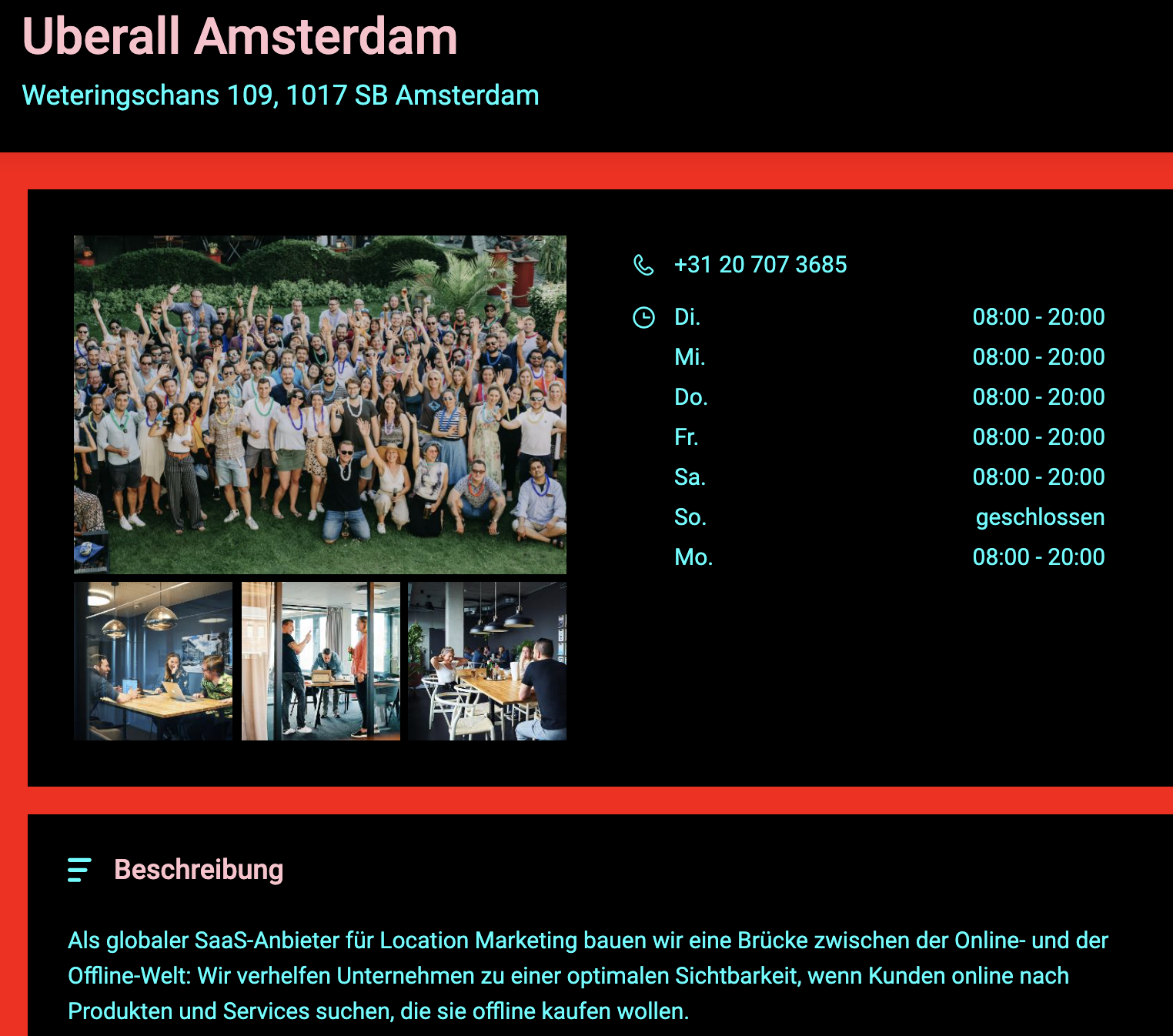 |
| data-primarytextcolor="RGB(0,255,255)" | 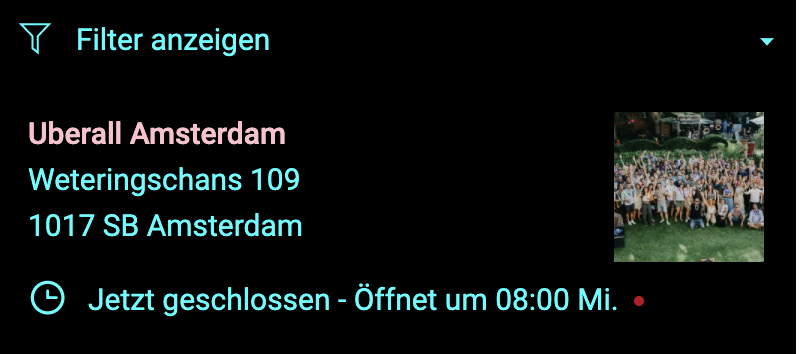 |
セカンダリテキストの色
To set a global colour for the secondary text in the Locator & Pages widget, you need to use the data-secondarytextcolor attribute. This will only affect titles.
This example shows the secondary text colour as pink
| data-secondarytextcolor="#FFC0CB" | 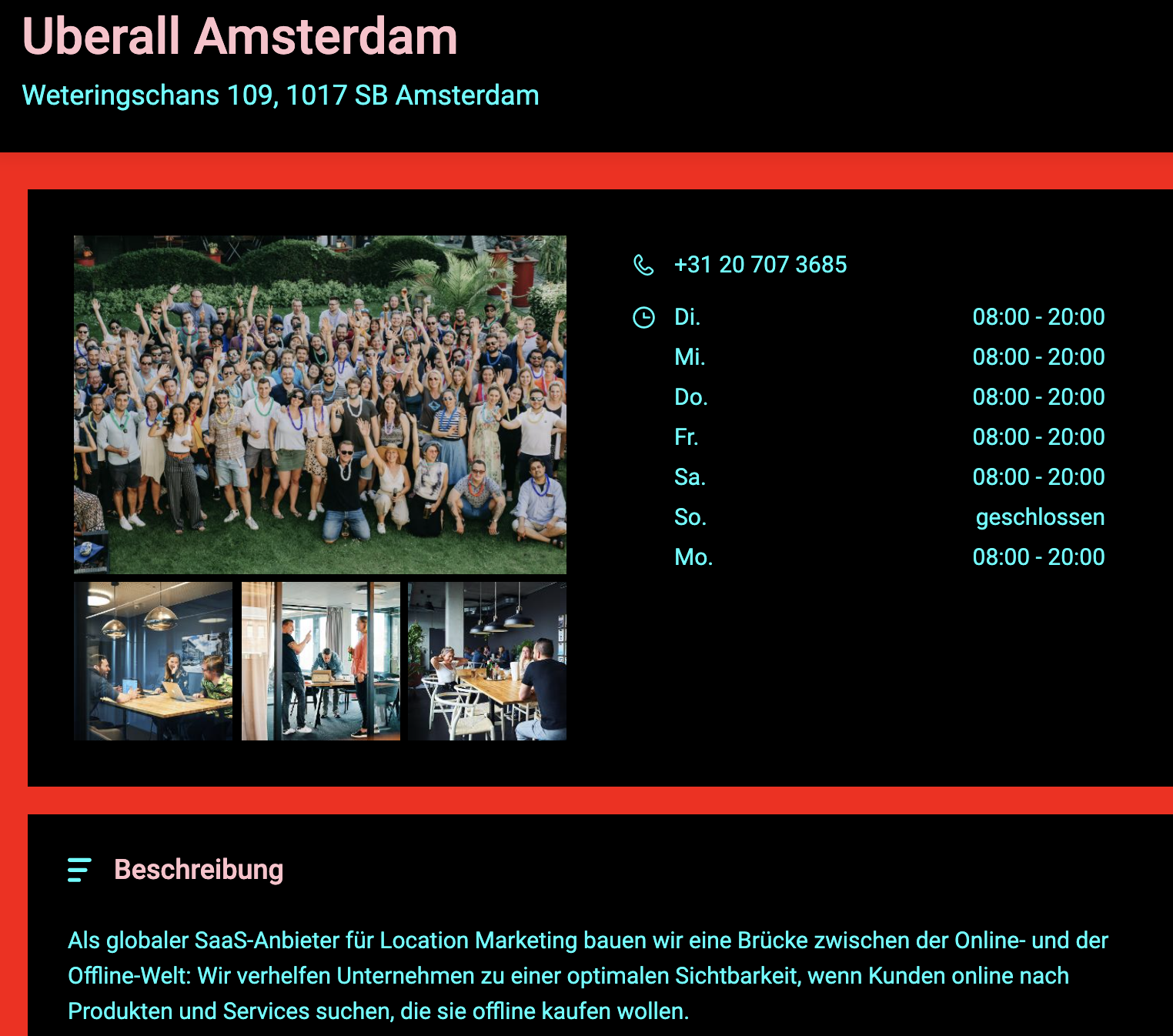 |
| data-secondarytextcolor="#FFC0CB" | 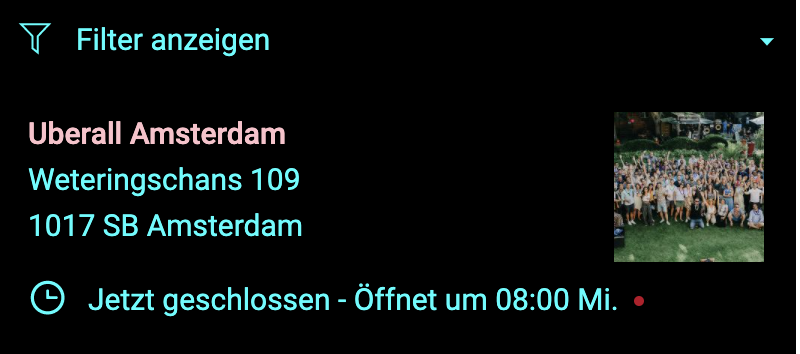 |
ハイパーリンクの色
To set a global colour for the hyperlink text in the Locator & Pages widget, you need to use the data-linkcolor attribute. This will only affect text which is defined as a hyperlink, which is clickable and redirects the end-user to another page.
全般
プライマリ背景色
To set a colour for the main/primary background in the Locator & Pages widget, you need to use the data-bgprimarycolor attribute. This will only affect the background colour of the main sections of the Locator.
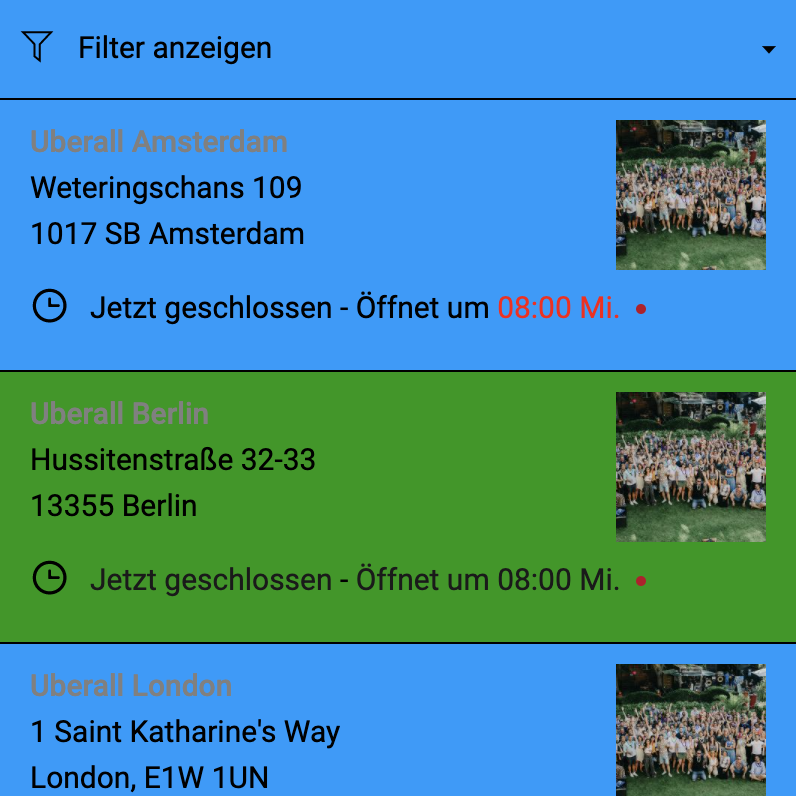
This example shows the main/primary background colour as blue.
Delete| data-bgprimarycolor="#0099FF" | 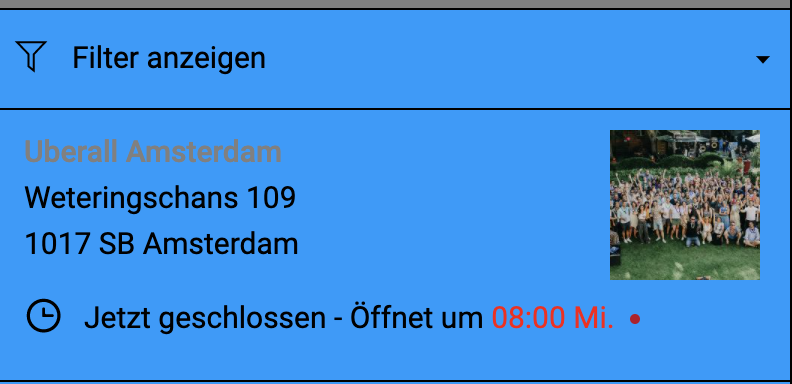 |
| data-bgprimarycolor="#0099FF" | 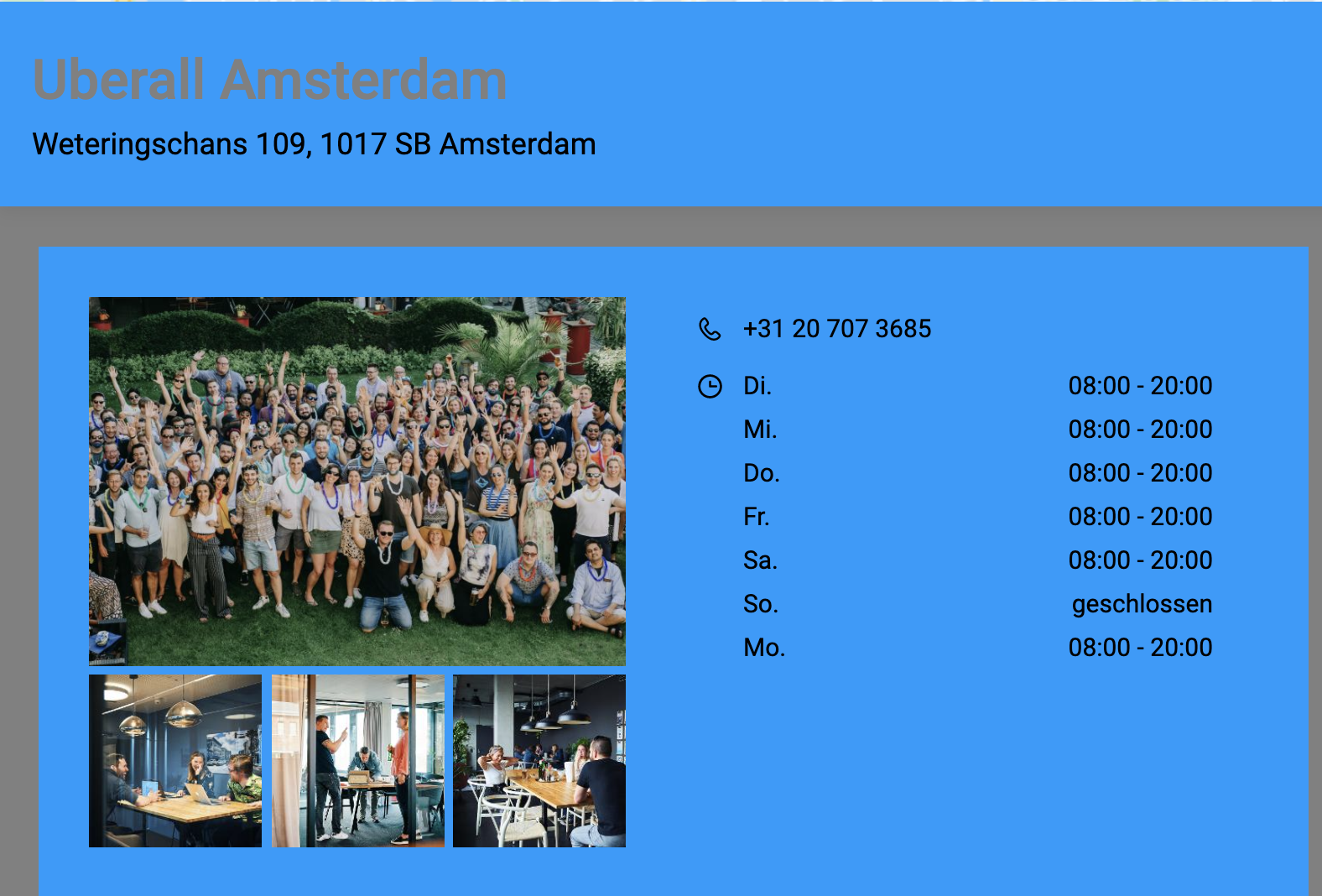 |
セカンダリ背景色
To set a colour for the secondary background in the Locator & Pages widget, you need to use the data-bgsecondarycolor attribute. This will only affect the background colour sections behind the Locator components and the search section.
This example shows the secondary background colour as grey
| data-bgsecondarycolor="RGB(120,120,120)" | 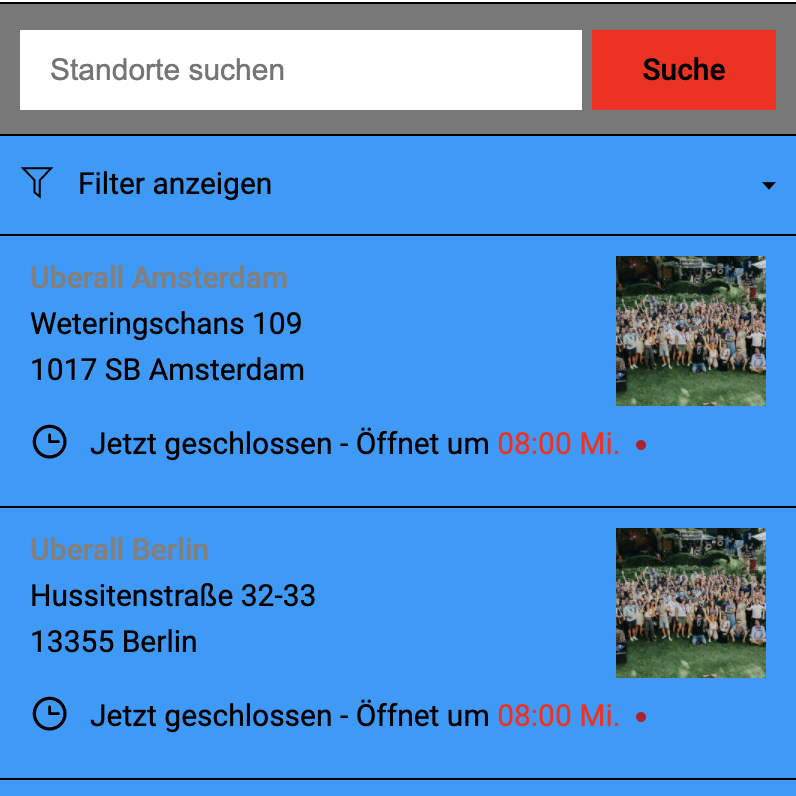 |
| data-bgsecondarycolor="RGB(120,120,120)" | 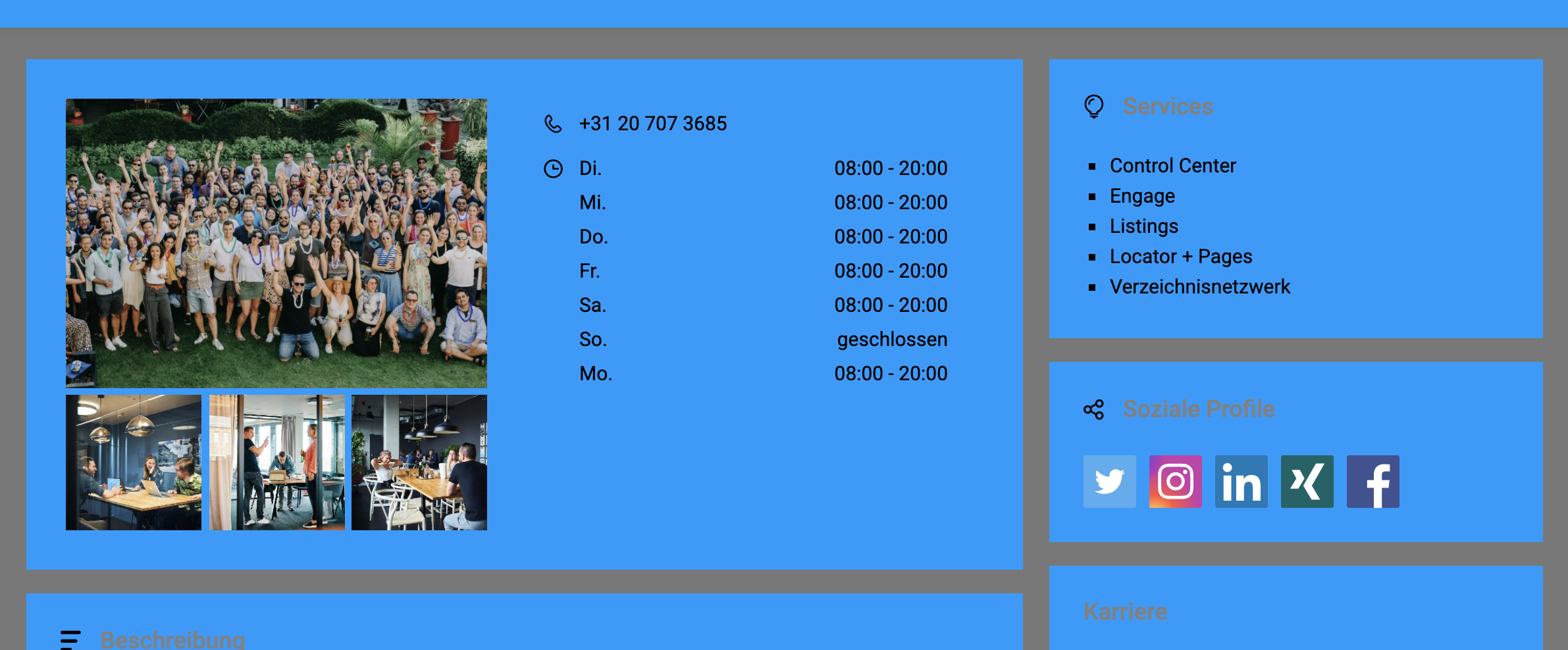 |
枠線の色
To set a colour for the borders in the Locator & Pages widget, you need to use the data-bordercolor attribute. This will only affect the borders in the locations list.
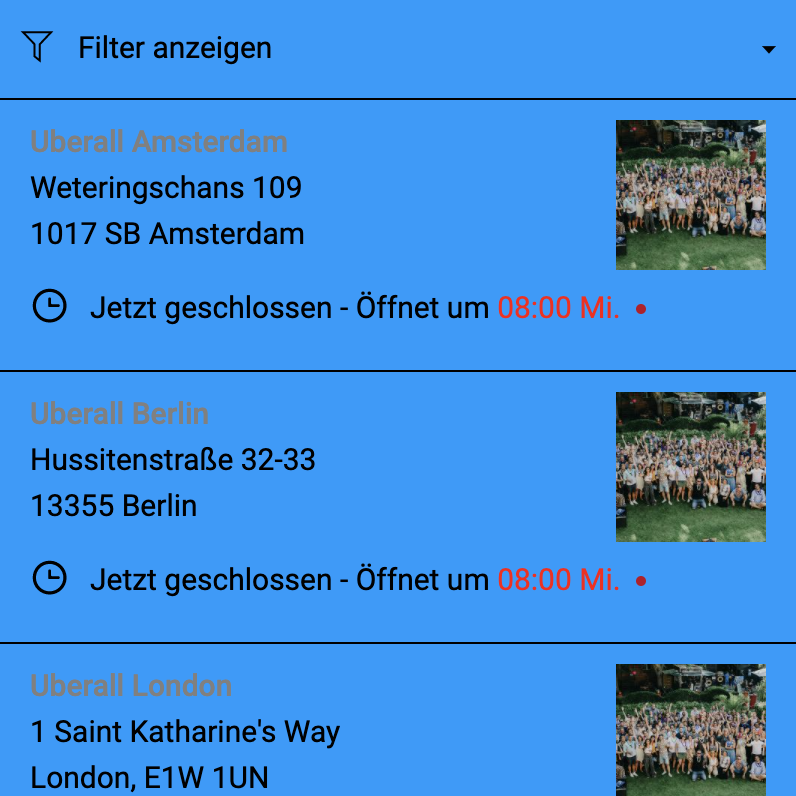
ホバー時のリスト項目の色
To set a background colour for the hover state of the list items in the Locator & Pages widget, you need to use the data-listitemhovercolor attribute. This only affects the hover event for the locations list.