Contact Us

If you still have questions or prefer to get help directly from an agent, please submit a request.
We’ll get back to you as soon as possible.

Please fill out the contact form below and we will reply as soon as possible.

    Sign In
    • Home
    • Using Uberall / Uberallの使用
    • Locator + Pages / ロケーター+ページ

    ロケーター&ページの色の設定

    ロケーター&ページウィジェットの属性で設定できる内容を確認しましょう。

    Contact Us

    If you still have questions or prefer to get help directly from an agent, please submit a request.
    We’ll get back to you as soon as possible.

    Please fill out the contact form below and we will reply as soon as possible.

    Japanese
    FR French
    IT Italian
    JP Japanese
    DE German
    US English (US)
    ES Spanish
    • Getting Started / はじめに
      Configuration and Connection Guides / 設定と接続ガイド New here / 初めての方
    • Uberall Academy and Learning Resources / Uberall アカデミーと学習リソース
      Learning Resources - Best Practices / 学習リソース - ベストプラクティス Uberall Academy / Uberall アカデミー
    • Using Uberall / Uberallの使用
      Mobile App / モバイルアプリ Review Management / レビュー管理 Social / ソーシャル Platform Status and General FAQs / プラットフォーム状況とよくある質問 Locator + Pages / ロケーター+ページ Messages / メッセージ What's New / 新着情報 AI / AI Homepage / ホームページ The Dashboard / ダッシュボード Location Hub / ロケーションハブ Analytics / アナリティクス Directories / ディレクトリ
    • Org Settings / 組織設定
      Users / ユーザー API Keys / APIキー Webhooks / ウェブフック Billing / 請求
    • Connecting Tools / 接続ツール
      API
    + More

    Table of Contents

    対象範囲 はじめに 情報 ボタン 背景色 L&P Buttons Background Colour テキストの色 L&P Buttons Text Colour テキスト プライマリテキストの色 L&P Main Text Colour セカンダリテキストの色 L&P Secondary Text Colour ハイパーリンクの色 L&P Hyperlink Colour 全般 プライマリ背景色 L&P Primary Background Colour セカンダリ背景色 L&P Secondary Background Colour 枠線の色 L&P Border Colour ホバー時のリスト項目の色 L&P List Item Background Hover Colour 関連コンテンツ

    目次

    対象範囲はじめにボタンテキスト全般関連コンテンツ

    対象範囲

    この記事では、ロケーター&ページ製品の色のカスタマイズに関連する属性について説明します。以下で紹介する方法は、ロケーターのデザインや印象を調整するために設定・変更できるウィジェット属性の一部です。属性の詳細と全一覧については、こちらの記事をご参照ください。

    はじめに

    ロケーター&ページウィジェットでは、属性を使用して基本的な色を調整できます。以下の属性で目的を満たせない場合は、ロケーター&ページウィジェットのカスタム CSS に関するこちらの記事をご参照ください。

    情報

    色の値は、各色の RGB コードまたは HEX コードで設定できます。例:黒の場合は RGB(0,0,0) または #000000。


    ボタン

    背景色

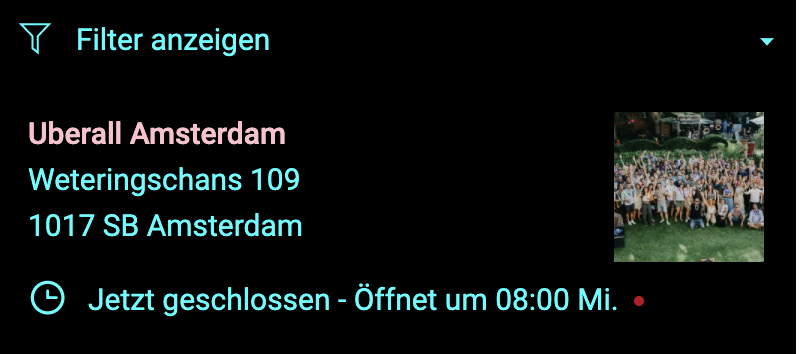
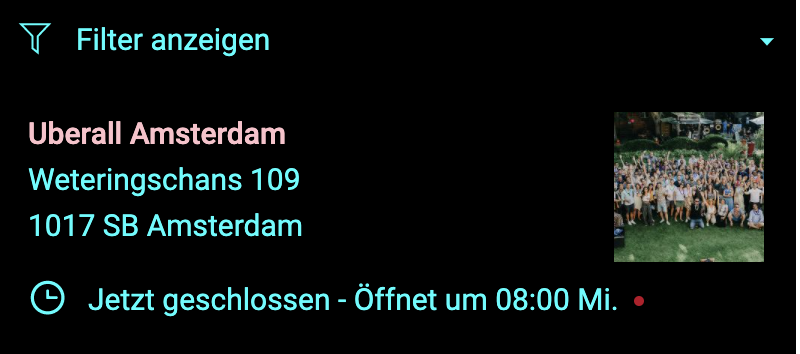
    To set a global colour for buttons in the Locator & Pages widget, you need to use the data-buttonbgcolor attribute. This will affect the CTAs on the local pages as well as the Search button on the locator page.

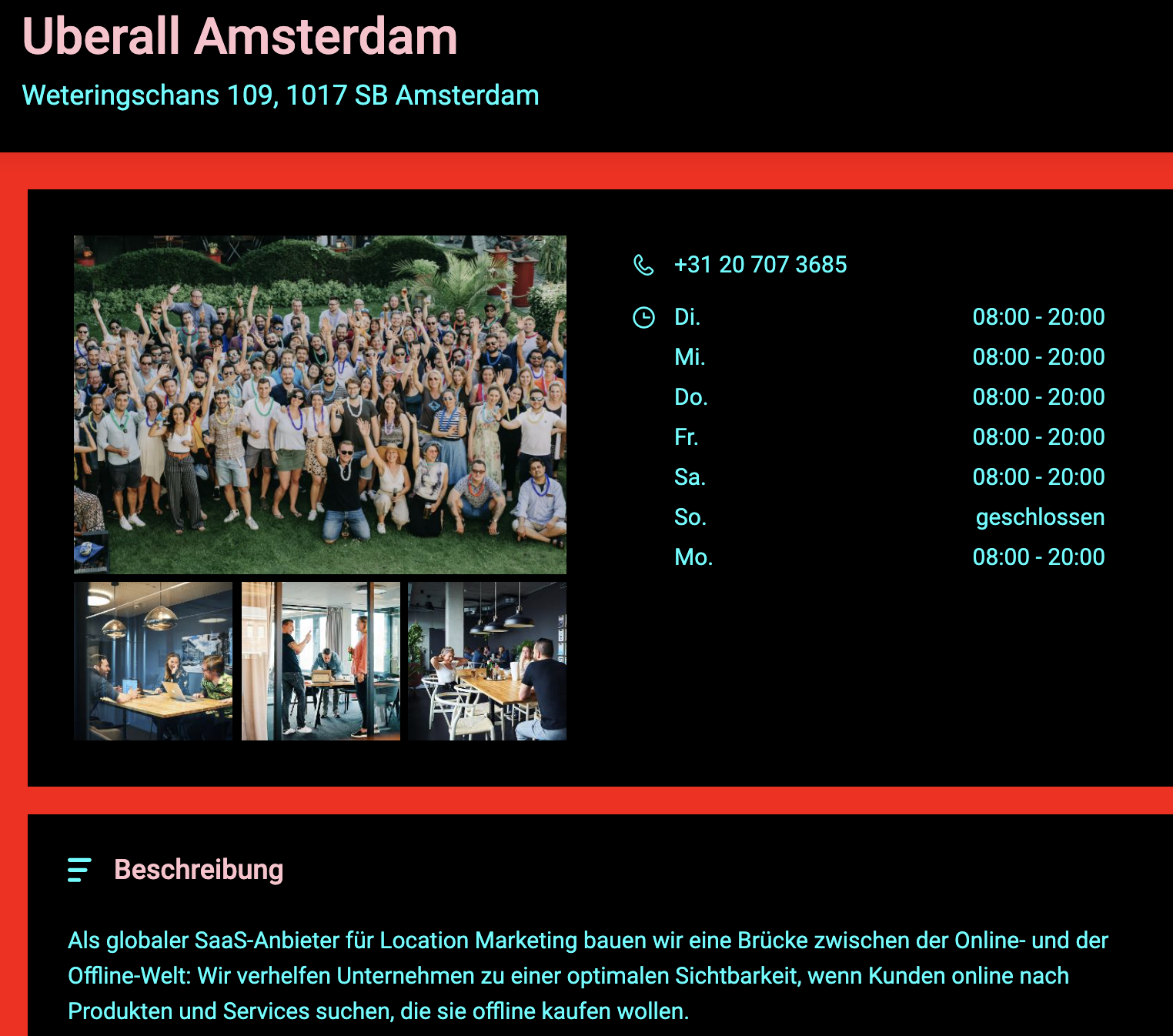
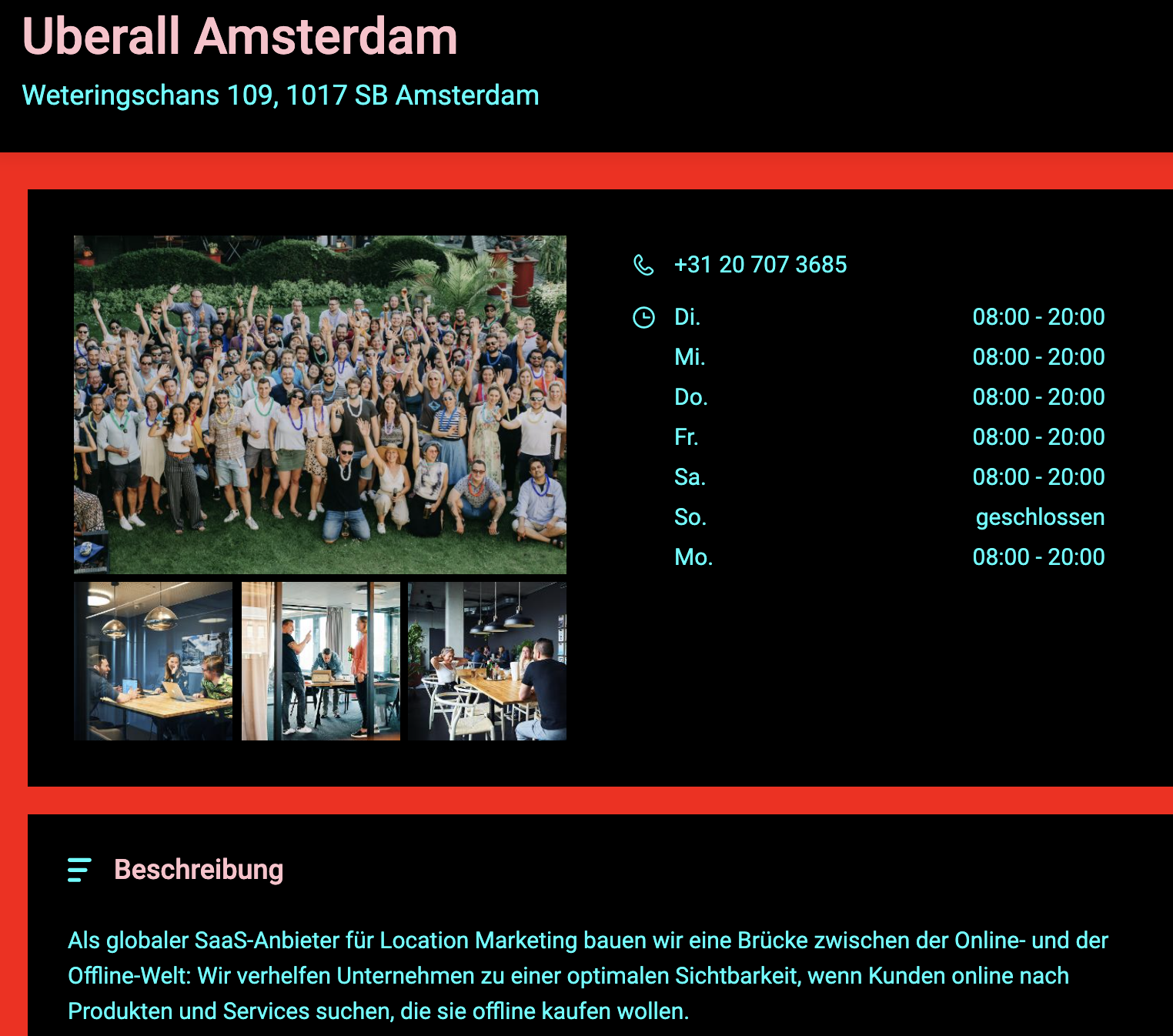
    This example shows the button background colour as red

    data-buttonbgcolor="RGB(255,0,0)"
    Delete

    テキストの色

    To set a global colour for the buttons' text in the Locator & Pages widget, you need to use the data-buttontextcolor attribute. This will affect the CTAs on the local pages as well as the Search button on the locator page.
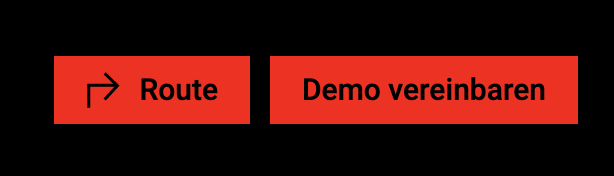
    This example shows the button text colour as black

    data-buttontextcolor="#000000"
    Delete


    テキスト

    プライマリテキストの色

    To set a global colour for the main/primary text in the Locator & Pages widget, you need to use the data-primarytextcolor attribute. This will affect text that is not a hyperlink or a title.

    This example shows the primary text colour as cyan

    data-primarytextcolor="RGB(0,255,255)"
    data-primarytextcolor="RGB(0,255,255)"
    Delete

    セカンダリテキストの色

    To set a global colour for the secondary text in the Locator & Pages widget, you need to use the data-secondarytextcolor attribute. This will only affect titles.

    This example shows the secondary text colour as pink

    data-secondarytextcolor="#FFC0CB"
    data-secondarytextcolor="#FFC0CB"
    Delete

    ハイパーリンクの色

    To set a global colour for the hyperlink text in the Locator & Pages widget, you need to use the data-linkcolor attribute. This will only affect text which is defined as a hyperlink, which is clickable and redirects the end-user to another page.
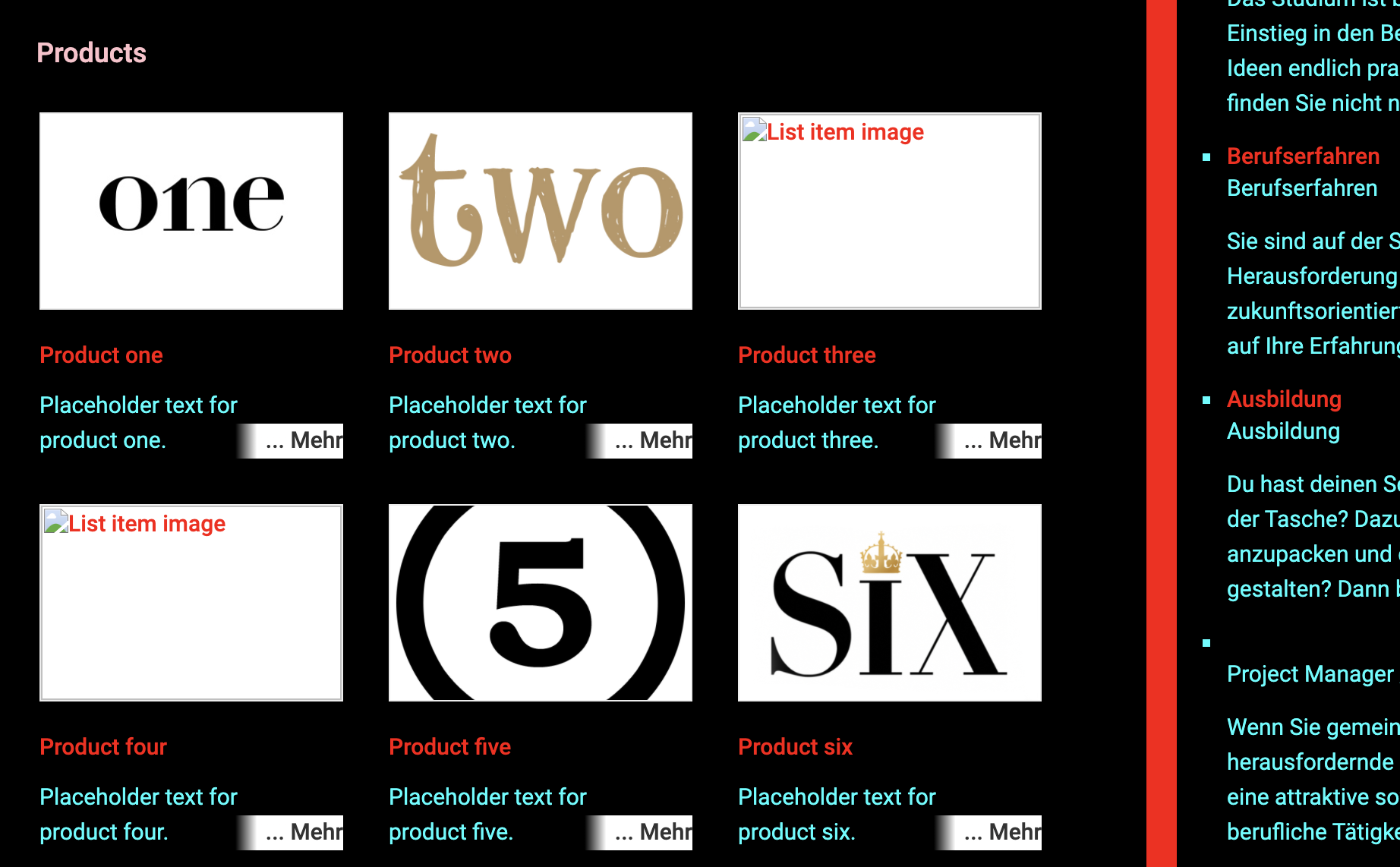
    This example shows the hyperlink text colour as red

    data-linkcolor="RGB(255,0,0)"
    Delete


    全般

    プライマリ背景色

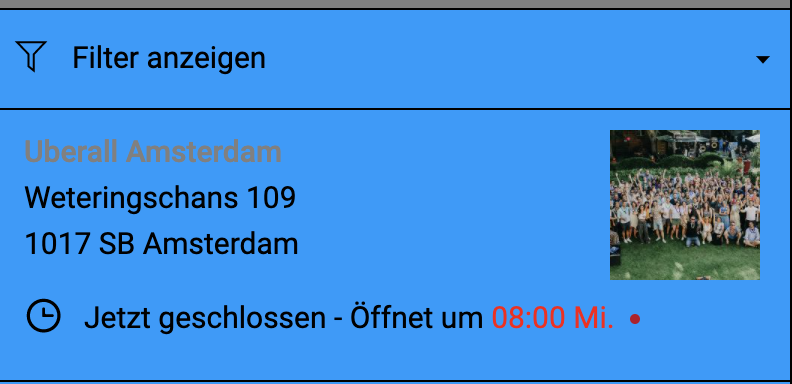
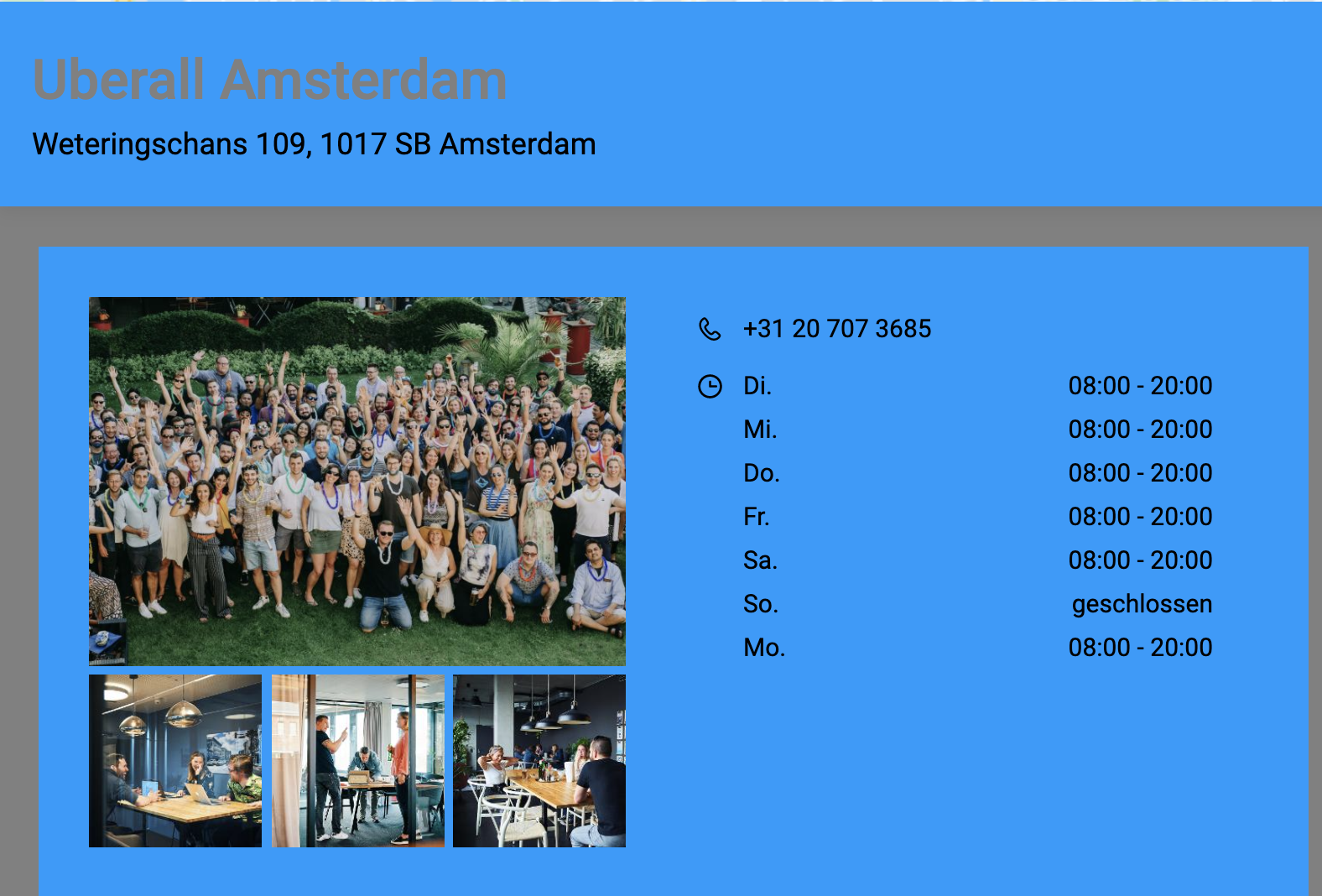
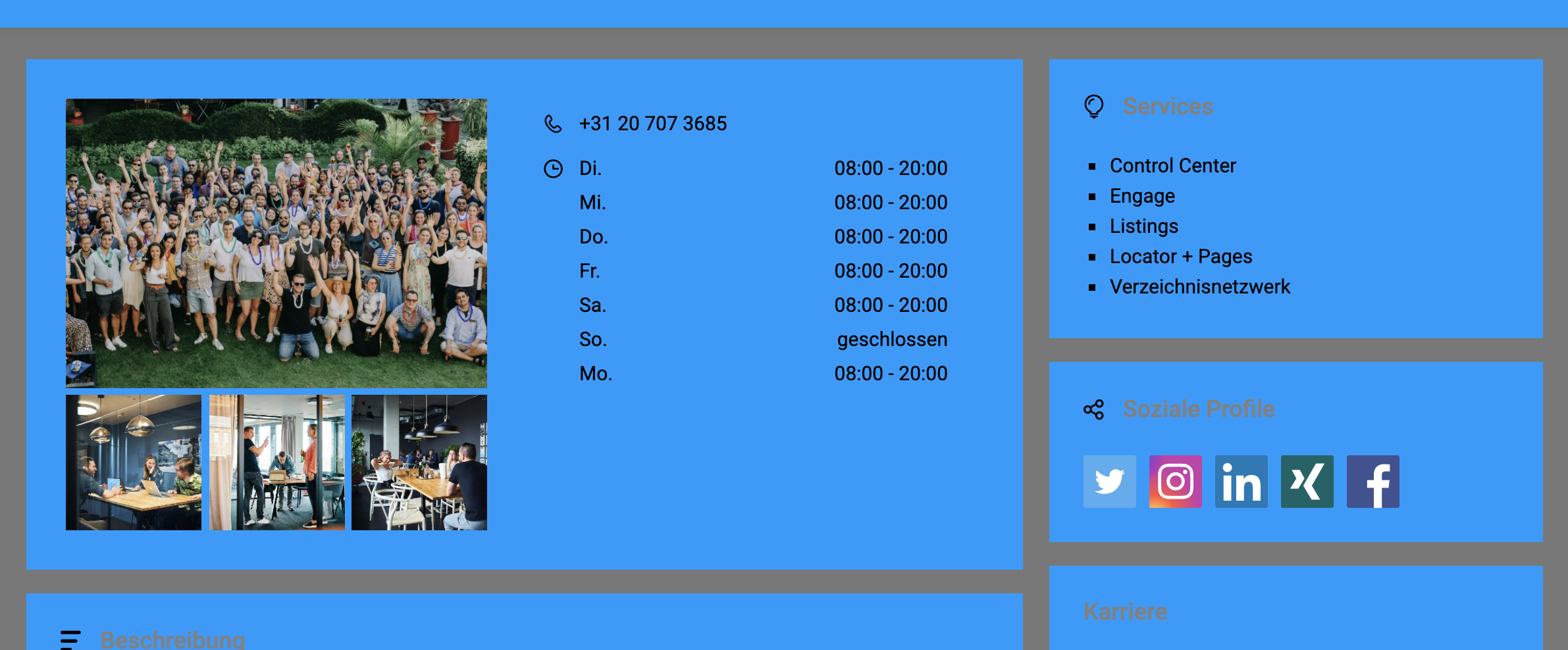
    To set a colour for the main/primary background in the Locator & Pages widget, you need to use the data-bgprimarycolor attribute. This will only affect the background colour of the main sections of the Locator.

    This example shows the main/primary background colour as blue.

    Delete
    data-bgprimarycolor="#0099FF"
    data-bgprimarycolor="#0099FF"

    セカンダリ背景色

    To set a colour for the secondary background in the Locator & Pages widget, you need to use the data-bgsecondarycolor attribute. This will only affect the background colour sections behind the Locator components and the search section.

    This example shows the secondary background colour as grey

    data-bgsecondarycolor="RGB(120,120,120)"
    data-bgsecondarycolor="RGB(120,120,120)"
    Delete

    枠線の色

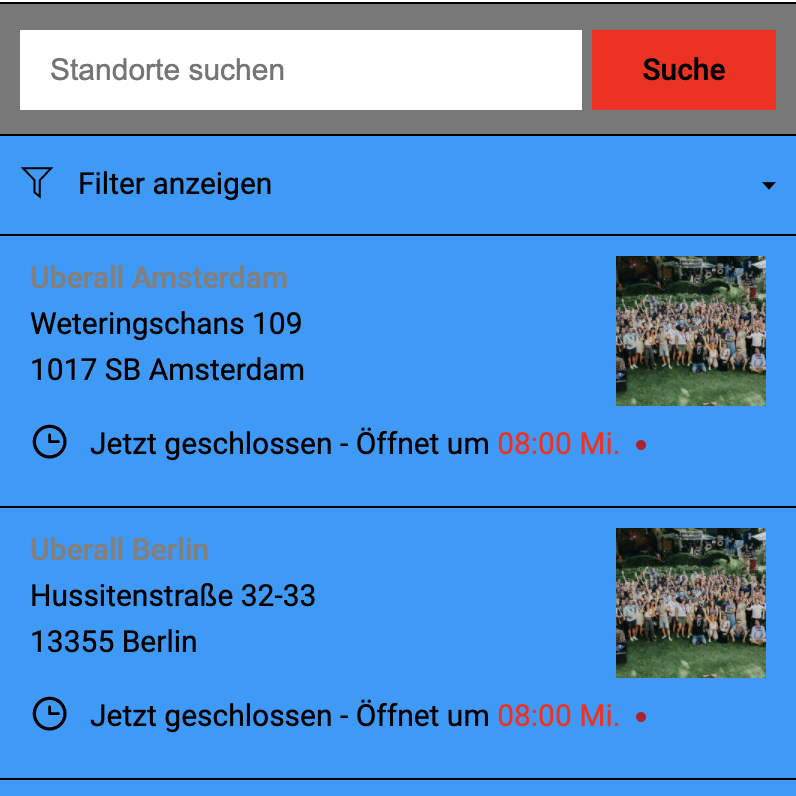
    To set a colour for the borders in the Locator & Pages widget, you need to use the data-bordercolor attribute. This will only affect the borders in the locations list.
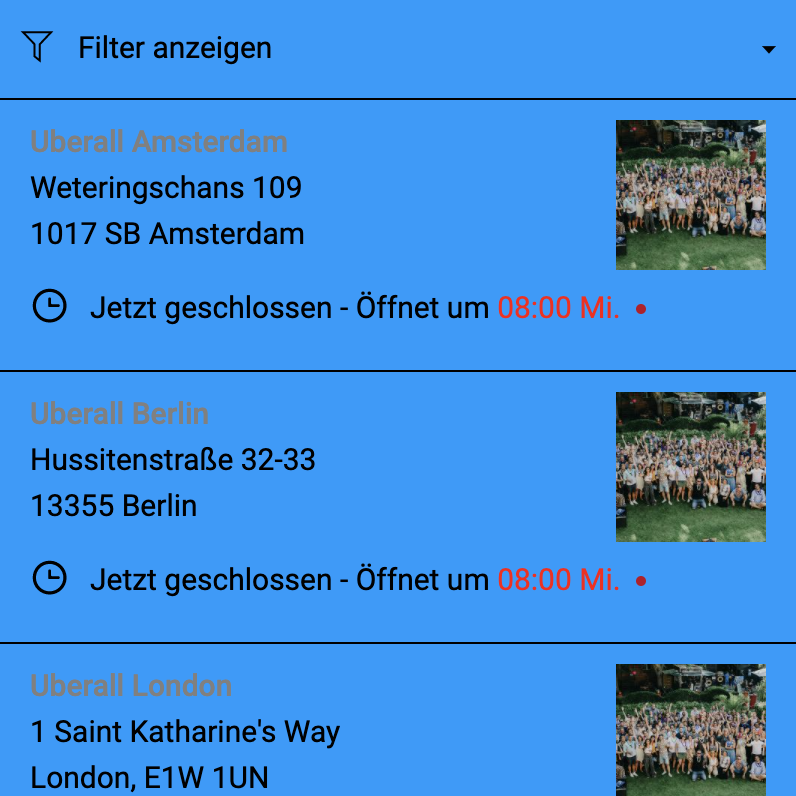
    This example shows the border colour as black

    data-bordercolor="RGB(0,0,0)"
    Delete

    ホバー時のリスト項目の色

    To set a background colour for the hover state of the list items in the Locator & Pages widget, you need to use the data-listitemhovercolor attribute. This only affects the hover event for the locations list.
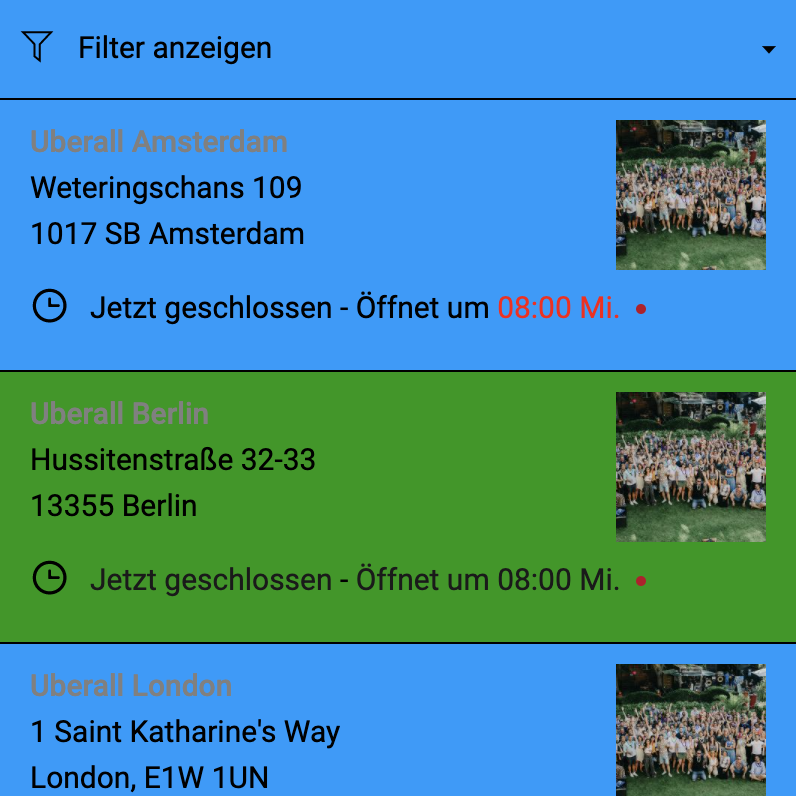
    This example shows the hover background colour as green

    data-listitemhovercolor="#009900"
    Delete


    関連コンテンツ

    ロケーター&ページのピンを変更する

    ロケーター&ページウィジェットで利用可能な属性一覧

    ロケーター ページ設定

    Was this article helpful?

    Yes
    No
    Give feedback about this article

    Related Articles

    • 場所の名前はどのように構成すればよいですか?
    • セルフサービス ロケーター&ページに関するよくある質問
    • 埋め込み型ロケーター+ページ(セルフサービス)とは?
    • CSS によるロケーター+ページのカスタマイズ
    • ロケーター&ページのフィルター
     

    Copyright 2026 – uberall.

    Expand